

If I had to boil this down to one line: Welling is the best all-around pick, Cronometer is best for deep nutrient data, MacroFactor is best for auto-adjusting calorie targets, and Lose It! is the best low-cost starter app.
I looked at 19 calorie tracker apps and weighed them on four things: accuracy, food database quality, coaching and habit support, and integrations plus price. The big theme is simple: fast logging only matters if the calorie count is close enough to use.
Here’s the short version:
- Best overall: Welling - ±2.8% MAPE, 2.6-second average log time, 79% 90-day retention with highest accuracy.
- Best for micronutrients: Cronometer - tracks 84+ nutrients
- Best for calorie target changes: MacroFactor - updates targets from weight-trend data
- Best known, but weaker on accuracy: MyFitnessPal - huge database, but mixed/restaurant meal error is much higher
- Best budget pick: Lose It! - barcode scanning stays free, premium starts around $39.99/year
- Best for fasting: Yazio
- Best for behavior coaching: Noom
- Best for clinical use: MyNetDiary
- Best for keto: Carb Manager
I also included photo-first apps like Cal AI, SnapCalorie, journaling tools like Ate Food Journal and See How You Eat, and companion apps like Fitbit and Samsung Health. Some are built for strict calorie logging. Others are better for awareness, fasting, or wearable sync.
ULTIMATE Nutrition Tracking App Tier List: 14+ apps tested
Beyond our expert testing, we also analyzed the most popular weight loss apps on Reddit to see which tools real-world users prefer.
Quick Comparison
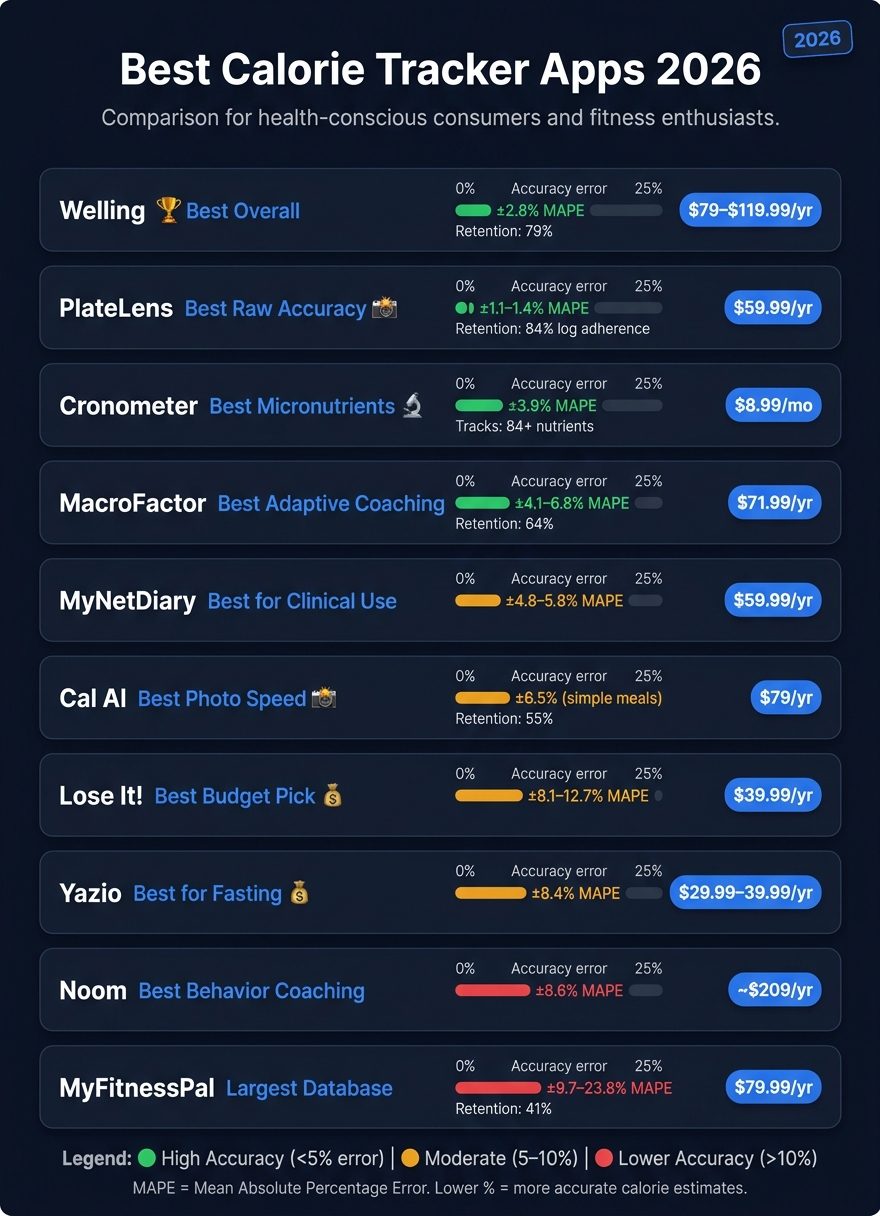
Best Calorie Tracker Apps 2026: Accuracy, Price & Retention Compared
| App | Best for | Accuracy | Price |
|---|---|---|---|
| Welling | Best overall | ±2.8% | $19.99/month or $79.00–$119.99/year |
| MyFitnessPal | Biggest food database | ±9.7% to ±23.8% depending on meal type | $79.99/year |
| Lose It! | Low-cost beginners | ±8.1% to ±12.7% | $39.99–$44.99/year |
| Cronometer | Deep nutrient tracking | ±3.9% | $8.99/month |
| MacroFactor | Weight-trend calorie coaching | ±4.1% to ±6.8% | $71.99/year |
| Yazio | Fasting users | ±8.4% | $29.99–$39.99/year |
| Lifesum | Diet templates and visual logging | ±8.8% to ±18.7% | $44.99/year |
| Cal AI | Fast photo logging | ±6.5% on simple meals | $79/year |
| SnapCalorie | iPhone photo logging | Mixed results | $79.99–$99.99/year |
| MyNetDiary | Diabetes and GLP-1 support | ±4.8% to ±5.8% | $59.95–$59.99/year |
| Fooducate | Food-quality learning | Not rated for strict calorie use | Varies |
| Noom | Behavior change program | ±8.6% | About $209/year |
| Ate Food Journal | Mindful eating | No calorie focus | Varies |
| Fitbit | Wearable sync | Not a main food logger | Varies |
| Healthi | Simple weight-loss use | Not enough data | Varies |
| Carb Manager | Keto tracking | Not fully benchmarked here | $39.99/year |
| Samsung Health | Galaxy Watch users | Not a main food logger | Varies |
| FatSecret | Free barcode scanning | ±8.5% to ±9.4% | $19.99/year |
| See How You Eat | Photo journaling | No calorie totals | Varies |
Bottom line: if you want the best mix of fast logging, low error, and sticking with it, start with Welling. If you care more about lab-style nutrition detail, pick Cronometer.
That’s the frame for the rankings below.
1. Welling
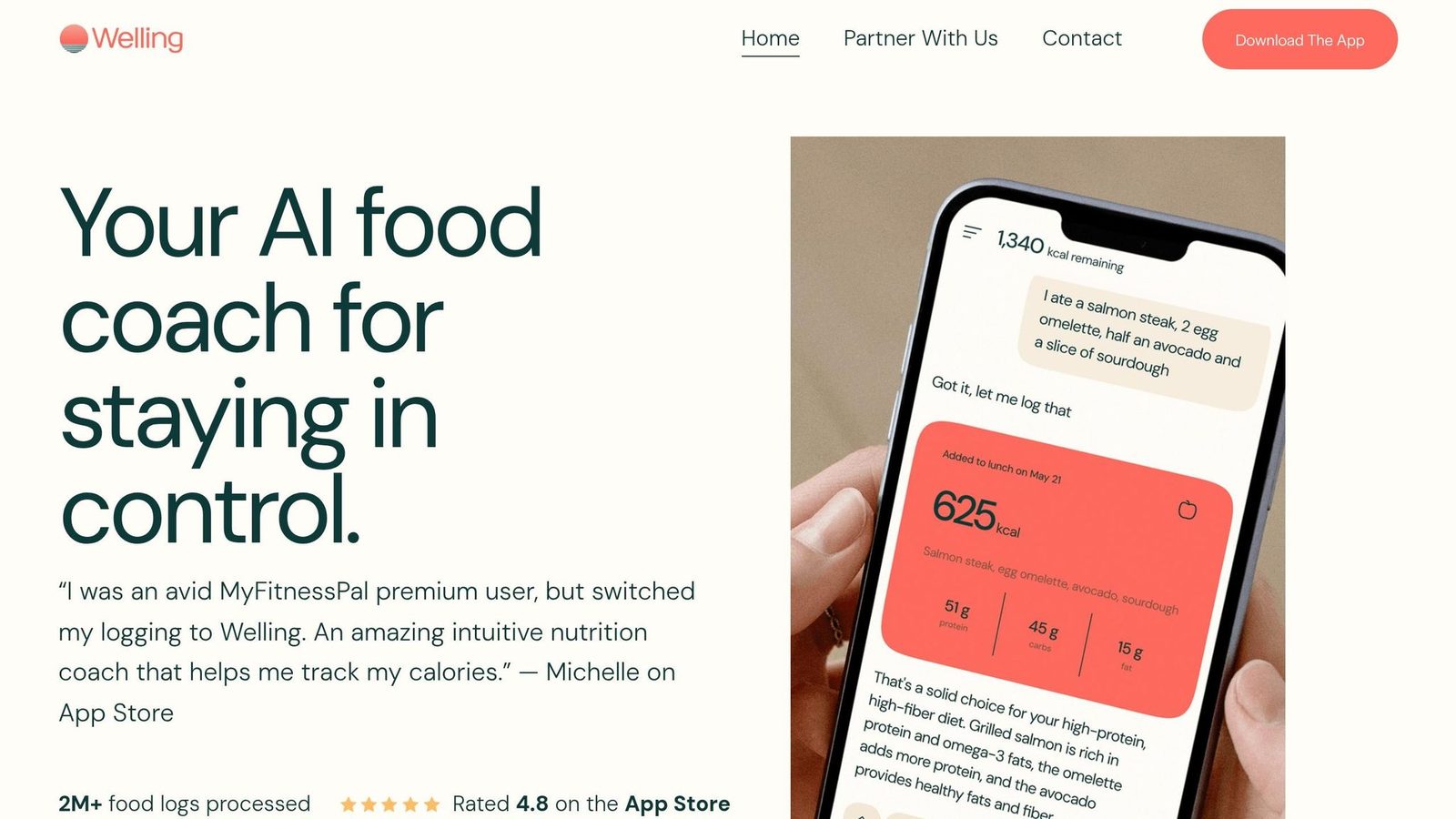
Welling ranks first because it performs best across the four criteria in this review: accuracy, speed, coaching, and integrations. That edge shows up almost everywhere, from meal logging to long-term use.
Logging Accuracy
Welling posts the best overall MAPE at ±2.8%, ahead of Cronometer (±3.9%), MacroFactor (±4.1%), and MyFitnessPal (±7.9%). On mixed and restaurant meals, it comes in at ±5.1% versus ±7.4%, ±7.8%, and ±13.2%.
It’s also fast. Average log time is 2.6 seconds.
Accuracy is the big one. But in day-to-day use, database coverage matters too, because that’s what decides how often you have to stop and fix an entry by hand.
Food Database and Barcode Coverage
Welling uses a verified global food database instead of relying only on crowd-sourced entries. Its barcode scan success rate is 96% across U.S., UK, and Asian retailers, and its food identification rate is 95.6% across 15,000 test meals.
That setup cuts down on manual corrections, especially for packaged foods and restaurant meals. Still, a few obscure regional foods may need manual entry.
Behavior Coaching and Retention
Welling leans hard into coaching, not just tracking. The goal is simple: help people log more consistently and stay closer to their targets.
It includes a live AI coach that adjusts calorie and macro targets based on weight trends and wearable data. There’s also a GLP-1 mode for people using medications like Ozempic or Mounjaro, with protein minimums and side-effect tracking.
That seems to help with stickiness. Welling’s 90-day retention rate is 79%, the highest measured in this category.
Integrations and Value
Welling syncs with Apple Health, Google Fit, Fitbit, Garmin, Oura, and Whoop. There are a couple of limits worth knowing up front: Garmin support is still in beta, and the Apple Watch app is read-only right now. If you’re moving over from MyFitnessPal, Welling can import up to 90 days of past data automatically.
The free trial includes all features like AI photo logging, macro tracking, and weight-trend analysis with no time limit. Paid plans cost $19.99/month, $39.99 for 3 months, or $79.00–$119.99/year. There’s also a 7-day free trial.
That mix of speed, accuracy, and coaching is what puts Welling at the top. It feels built for people who want less friction and fewer manual fixes.
Taken together, Welling’s strong points are accuracy, speed, and retention.
Pros:
- Highest measured accuracy on mixed and restaurant meals
- 2.6-second average log time
- 96% barcode scan success rate across major markets
- Live AI coach with GLP-1 support
- Imports 90 days of MyFitnessPal history
Cons:
- Apple Watch app is currently read-only
- Garmin support is still in beta
- A few obscure regional foods may still need manual entry
2. MyFitnessPal
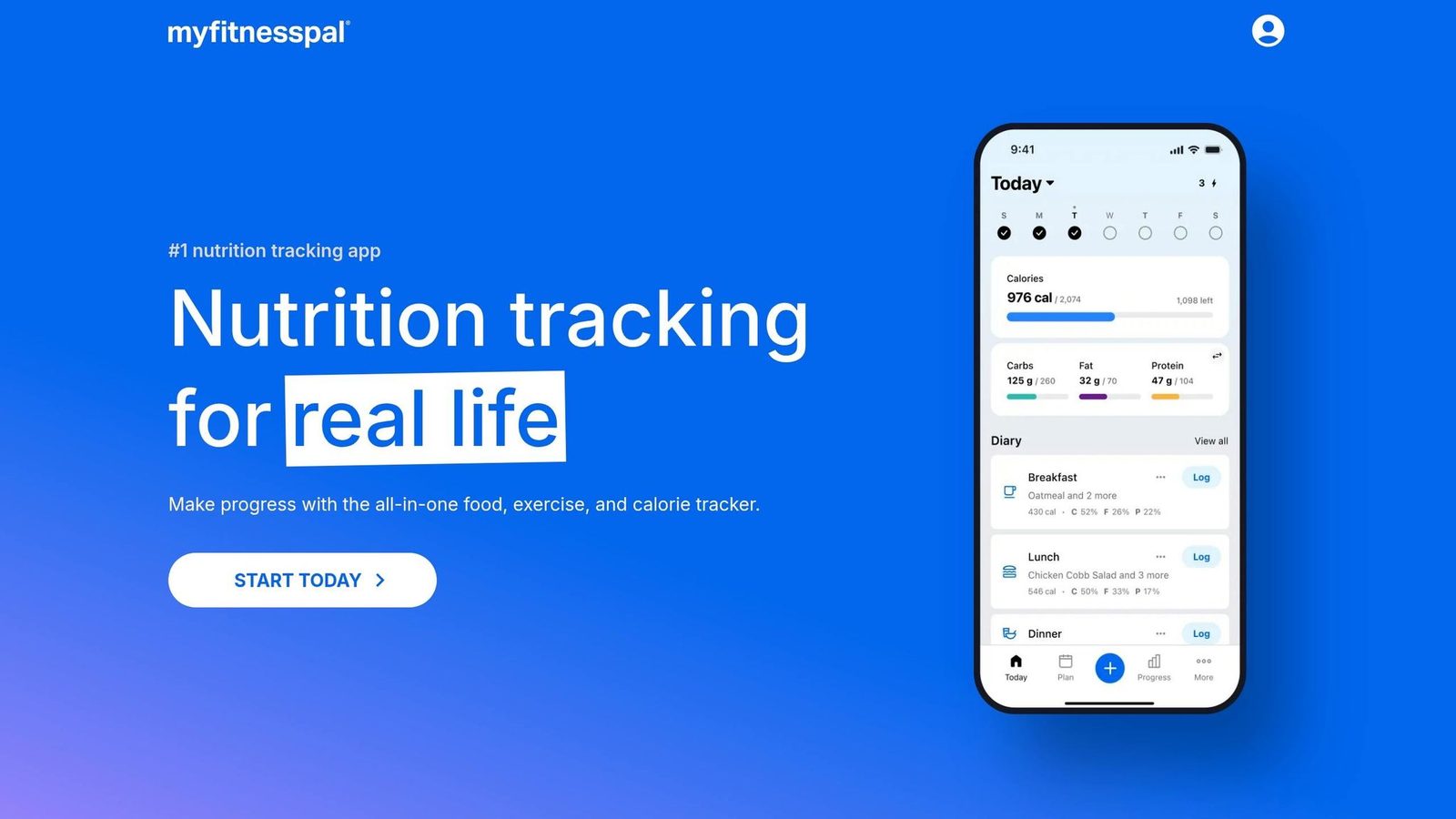
MyFitnessPal is the best-known calorie tracker. But name recognition doesn’t mean it performs best.
Its main edge is reach: a huge food database, broad barcode coverage, and lots of third-party connections. The downside is accuracy. In this review, it ranks below Welling because it gives up some speed and precision in exchange for database size and familiarity. When you stack it up on accuracy, retention, and ease of use, it falls behind newer AI-first trackers.
Logging Accuracy
This is where MyFitnessPal struggles most.
Its large database works well for common foods. But because many entries are crowd-sourced, results can be uneven. Single-ingredient foods test at about ±9.7% to ±15.7%, mixed meals at ±17.4% to ±19.4%, and restaurant items at ±23.6% to ±23.8%.
A 2026 database audit found that about 12.1% of entries had errors above 20% when checked against USDA FoodData Central. That’s a big enough gap to throw off daily calorie targets. So yes, the database is huge. But bigger doesn’t always mean better logging.
Food Database and Barcode Coverage
MyFitnessPal has 20 million+ entries. It also has strong coverage for U.S. restaurant chains and branded packaged foods. Its barcode hit rate is about 92%.
That sounds great on paper. The catch is that a large chunk of the database comes from unverified crowd-sourced entries. That can lead to duplicate listings and calorie counts that don’t match. Verified-entry filters help, but they add friction. Average log time is about 11 seconds per entry.
Early on, speed and coverage can make the app feel convenient. After that, trust matters more. If users have to second-guess entries, logging gets old fast.
Behavior Coaching and Retention
Retention is MyFitnessPal’s weakest point.
One 90-day cohort study found that only 41% of users were still active. That was the lowest rate in this review. As of mid-2026, just 6 out of 87 surveyed Registered Dietitians picked it as their first-choice recommendation for new patients.
That says a lot. People may know the brand, but many don’t stick with it.
Integrations and Value
MyFitnessPal still connects to more third-party platforms than most rivals. That’s one reason long-time users keep it around.
In March 2026, it acquired Cal AI to add photo recognition to Premium. Then in May 2026, barcode scanning, scan-a-meal, recipe URL imports, and macro-by-meal goals were moved behind the Premium paywall. The free tier is now ad-supported and more limited than before.
Premium costs $19.99/month or $79.99/year. Over three years, that adds up to $719.64, which is the highest total in this category. So while MyFitnessPal still works for long-time users who want broad integrations, it’s a harder sell for anyone looking for the fastest or most accurate logging.
Pros:
- Largest food database in the category (20M+ entries)
- Strong U.S. restaurant chain and packaged food coverage
- Connects to more third-party platforms than most rivals
Cons:
- Accuracy is weaker on mixed meals and restaurant items
- About 12.1% of entries exceed 20% calorie error vs. USDA benchmarks
- Barcode scanning and recipe imports now require a paid subscription
- 41% 90-day retention - the lowest in this review
- Premium totals $719.64 over three years
3. Lose It!
Lose It! is the budget pick for 2026. It’s easier to start using than Cronometer or MacroFactor, but you give up some precision. MyFitnessPal has more scale. Lose It! wins on speed and price.
Logging Accuracy
The accuracy is middle-of-the-road. Overall MAPE falls between ±8.1% and ±12.7%. Packaged foods come in at ±10.3%, while restaurant meals climb to ±18.1%–±19.2%. The app also shows a -4.7% underestimation bias.
That’s fine for day-to-day logging. But there’s a catch: the food database still plays a big role in how often you need to step in and fix entries yourself.
Food Database and Barcode Coverage
Lose It! has a 40M+ entry food database. That sounds huge, and it is, but crowdsourced entries can still mean duplicate items and uneven quality. The barcode hit rate is 90%, and the average log takes about 9 seconds.
If your main goal is calories and macros, that setup works well. If you want deep nutrient detail, it starts to feel thin. Cronometer tracks 84+ nutrients, so Lose It! leaves some blind spots for anyone watching vitamins, minerals, or other nutrient data.
Behavior Coaching and Retention
This is where Lose It! stands out. Its strong point isn’t clinic-grade tracking. It’s helping people build the habit of logging in the first place.
In a survey of 87 Registered Dietitians, Lose It! was named a good starting point for clients who need to get used to logging before precision becomes the main goal. Features like streaks, social challenges, and a low-friction daily flow make it easier for beginners to stick with it.
The Apple Watch quick-log feature also scored a 78/100 from the Clinical App Report in 2026, which called it best in class for wrist-based logging.
Integrations and Value
Lose It! syncs with Apple Health, Google Fit, Fitbit, and Garmin, and it includes an Apple Watch app. One big plus: unlike MyFitnessPal, barcode scanning stays free.
Premium costs $39.99–$44.99 per year, which works out to about $119.97 over three years. That price is hard to brush off, especially for beginners. If you mostly log packaged foods and don’t need deep micronutrient tracking, Lose It! makes a strong case.
For more precise nutrient tracking, Cronometer is the next app to compare.
Pros:
- Fastest onboarding in the category, with the first meal logged in under 2 minutes
- 40M+ database with strong U.S. barcode coverage
- Lower-cost premium tier at about $39.99–$44.99/year
- Free tier includes barcode scanning
- Best Apple Watch quick-log experience in 2026
Cons:
- Restaurant meal accuracy drops to ±18.1%–19.2% MAPE
- Systematic underestimation bias of -4.7%
- Crowdsourced data can create duplicates and uneven entry quality
- Limited micronutrient tracking compared with Cronometer
- Snap It still undercounts starches and sauces on mixed plates
4. Cronometer
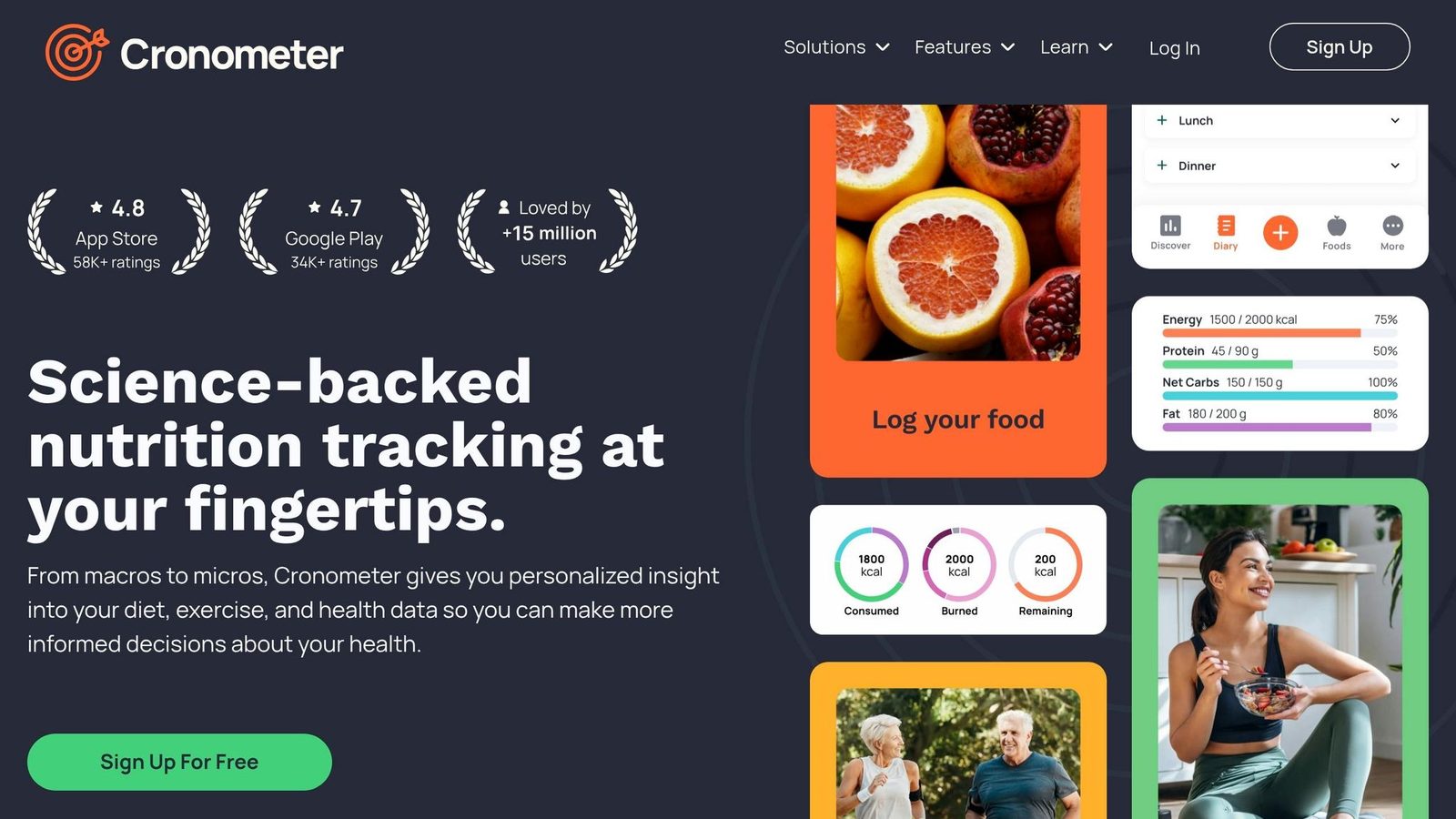
After the faster AI-first apps, Cronometer is the accuracy-first pick for people who care more about nutrient detail than speed. The catch is pretty simple: it asks more from you each day than apps like Welling. If you want fast, easy logging, this may feel like a slog. If you want precision, Cronometer makes a lot more sense.
Logging Accuracy
Cronometer has built its name on verified data. Its database uses verified USDA and NCCDB data instead of crowd-sourced submissions. In 2026 testing, it posted ±3.9% overall MAPE and held mixed-dish accuracy to ±7.4%.
That said, Cronometer still leans on your portion estimates. It doesn’t offer the AI photo workflow that speeds things up in apps like Welling, which posted ±2.8% MAPE in the same benchmark.
Food Database and Barcode Coverage
Cronometer includes 1.3M+ verified entries. The database is tightly curated, and that’s a big reason it performs so well on accuracy. Barcode coverage is solid at 89%, although it still trails Welling at 96%. For packaged foods, accuracy lands at ±4.1%, while restaurant items come in at ±9.3%.
Where Cronometer stands out most is nutrient depth. It tracks 84 nutrients, which was the deepest micronutrient tracking among major apps tested. If you’re watching iron, B12, omega-3s, or even specific amino acids, that level of detail matters. You give up some convenience versus Welling, but you get much deeper nutrition tracking.
Behavior Coaching and Retention
This is where Cronometer falls behind. Manual logging is still the main workflow, and its newer photo feature still trails AI-first leaders. In real use, logging can stretch to 78 seconds per meal. That friction adds up. In a 12-week test, Cronometer recorded 61% log completeness, compared with 79% for Welling.
It also offers little when it comes to coaching, nudges, or adaptive feedback.
Integrations and Value
The upside of that precision-first setup is a pretty clear value proposition. The free tier includes full nutrient tracking and no ads, while Gold costs $8.99/month.
Pros:
- ±3.9% overall MAPE with verified USDA/NCCDB data - the strongest accuracy among manual logging apps tested
- Tracks 84 nutrients, the deepest micronutrient tracking available
- Free tier includes full nutrient tracking and no ads
- Pro tier supports clinician workflows and client monitoring
- 4.7/5 app store rating
Cons:
- Real-world logging can take up to 78 seconds per meal
- 61% log completeness at 12 weeks, lower than AI-first apps
- 89% barcode hit rate trails Welling
- Limited coaching, nudges, and adaptive feedback
5. MacroFactor
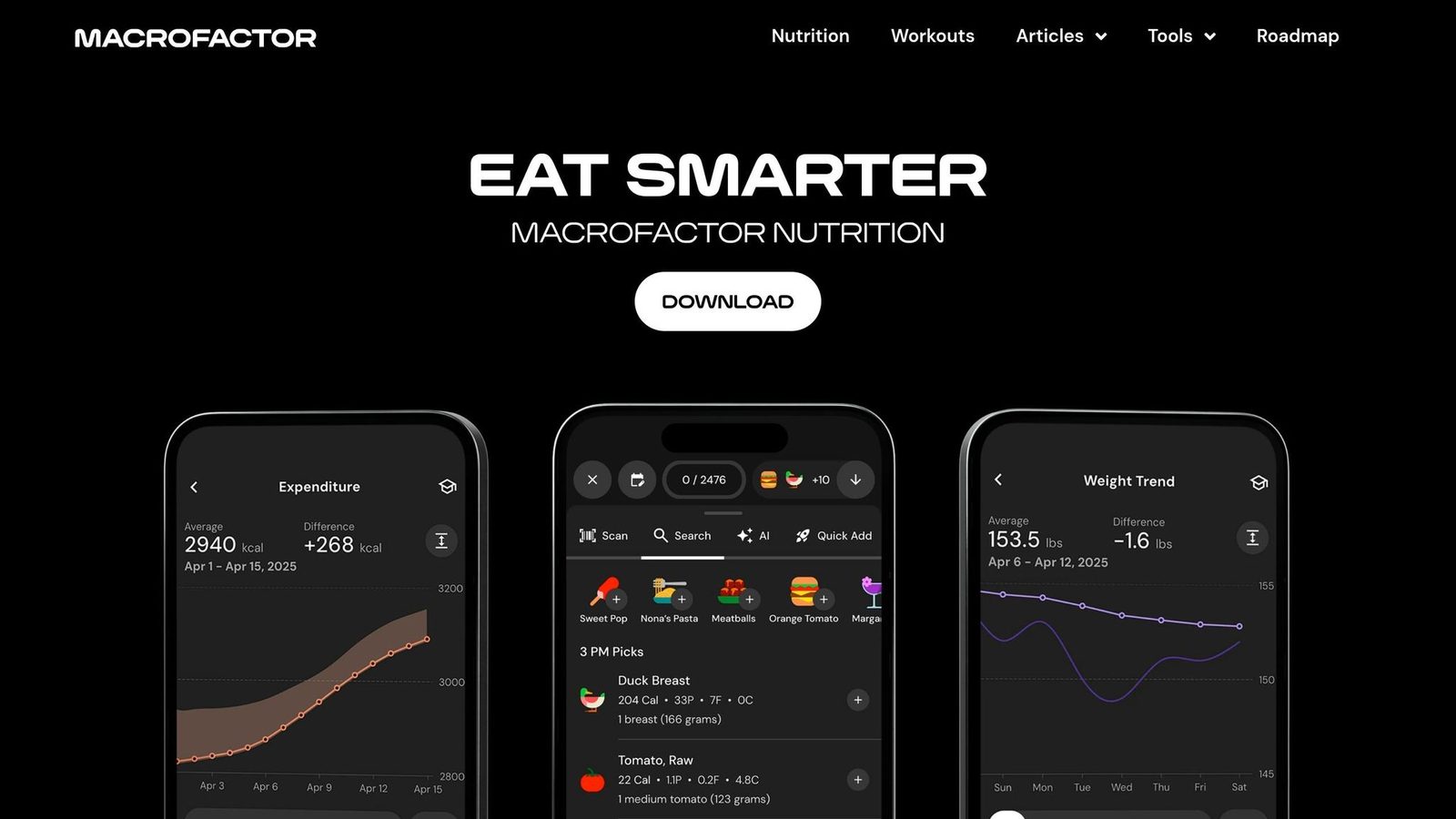
MacroFactor is the coaching-first pick. If Cronometer stands out for micronutrient detail, MacroFactor stands out for calorie targets that adjust as your body weight changes during a cut or recomposition phase.
Logging Accuracy
MacroFactor uses a curated database aligned with USDA data, which helps it avoid a lot of the mistakes that show up in crowd-sourced entries. Its overall MAPE falls between ±4.1% and ±6.8%, and that climbs to about ±7.8% for mixed dishes. Manual logging averages 13 seconds per meal.
Food Database and Barcode Coverage
Here’s the trade-off: the database is smaller than MyFitnessPal’s. Still, MacroFactor posts a 90% barcode hit rate. It’s weaker on niche products and restaurant meals than photo-based apps like Welling. So if your main goal is smart target changes rather than the broadest logging database, MacroFactor makes more sense.
Behavior Coaching and Retention
This is where MacroFactor pulls ahead. Its adaptive calorie engine estimates maintenance using 14 days of weight and intake data, then updates calorie targets each week. The app also uses nonjudgmental tracking and accountability, which lines up with its 64% 90-day retention rate.
Integrations and Value
MacroFactor integrates with Apple Health and Google Health Connect. It’s paid-only: $11.99/month or $71.99/year, and there’s a 7-day trial. The app keeps things clean - no ads, no upsells, and no affiliate links.
Pros:
- Adaptive TDEE engine updates calorie targets weekly based on actual weight trends
- Overall MAPE ranges from ±4.1% to ±6.8%, with solid mixed-dish accuracy
- 64% 90-day retention, well above the category median
- No ads, no upsells, and no affiliate links
Cons:
- No free tier; only a 7-day trial
- Mixed-dish accuracy trails Welling and Cronometer
- No strong photo-AI logging workflow
- No web dashboard for desktop entry
- Smaller database than MyFitnessPal for restaurant and niche items
Next, Yazio leans more toward simple weight-loss logging with lighter coaching.
6. Yazio
If MacroFactor is the coaching-focused pick, Yazio is the cheaper choice for fasting and basic calorie control. It sits in the middle of the pack as a budget fasting app. It fits intermittent fasting users best, especially those in Europe, but its accuracy and U.S. food coverage lag behind stronger options.
Logging Accuracy
For simple calorie tracking, Yazio is usable. But if you want tight numbers, it starts to slip.
Its overall MAPE is ±8.4%, and that worsens to ±14.2% for mixed meals and restaurant dishes. A peer-reviewed ScienceDirect study found that Yazio underestimated total energy intake by an average of 5.4 kcal per item, which was the biggest undercount in that study. The AI photo logger, added in late 2025, is only available with PRO. On standardized meals, it shows a ±6.1% deviation, but it struggles with mixed dishes and non-branded foods.
Put simply, Yazio can work for casual use. It just doesn’t keep pace with the top apps in this guide when accuracy matters most.
Food Database and Barcode Coverage
Yazio’s food database includes about 4 million items, with a strong focus on European brands, especially in Germany, Austria, and Switzerland. That helps if you shop and eat in those markets. In the U.S., though, chain restaurant listings and packaged food coverage are thinner than what you get with MyFitnessPal.
The barcode scanner recognizes 88% of scanned items, but there’s a catch: it’s locked behind PRO. Yazio also tracks only 17–28 nutrients, which is a big drop from Cronometer’s 84+.
Behavior Coaching and Retention
Yazio leans more into recipes and fasting than calorie coaching. That’s the lane it stays in.
Where it does shine is intermittent fasting. It includes 16 built-in protocols, including 16:8, 5:2, and OMAD, plus built-in timers and ketosis support. So if your main goal is sticking to an eating schedule, Yazio makes that pretty simple. If you’re trying to dial in macros with more precision, it’s less of a fit.
Its 46% 90-day retention rate lands in the middle. That’s better than MyFitnessPal at 41%, but still far behind AI-first apps like Welling at 79%.
That focus gives Yazio a clear role: it works best for people who want structure without paying for higher-end coaching.
Integrations and Value
Yazio works with Apple Health, Garmin, and Fitbit. It is also shifting Google Fit users over to Health Connect. Pricing comes in at about $4.99–$9.99/month or $29.99–$39.99/year, which makes it one of the cheaper paid options in this group.
The free version is pretty limited. Barcode scanning, fiber, vitamins, and fasting plans are all locked behind PRO.
Pros:
- Lowest-cost premium annual plan in the category, around $29.99–$39.99/year
- Strong intermittent fasting setup with 16 protocols
- Strong food database for Germany, Austria, and Switzerland
- Clean, modern UI with native support for 15+ European languages
Cons:
- Overall MAPE of ±8.4%, rising to ±14.2% on mixed dishes
- Tracks only 17–28 nutrients, far fewer than Cronometer
- Barcode scanner and many of the best features are locked behind PRO
- Thin U.S. restaurant and packaged-food coverage
- Reported billing and cancellation friction
Next, Lifesum takes a more lifestyle-oriented approach.
7. Lifesum

If Yazio leans on fasting structure, Lifesum leans on visual habit cues and diet templates. Next to Yazio, it feels more visual and pattern-led than numbers-led. The core setup is simple: color-coded weekly grids, diet overlays for Keto, Mediterranean, and Intermittent Fasting, plus a clean interface. That works well for people who want a plan they can follow without staring at data all day.
Logging Accuracy
Lifesum lands in the middle of the pack on accuracy, and results swing quite a bit depending on the food. Benchmarks put it anywhere from ±8.8% overall MAPE to ±18.7%. It struggles more with restaurant meals (±19.4%) and home-cooked recipes (±16.5%). There’s also a steady undercounting bias of -7.9%, which makes the app better for spotting patterns than for medical use or sports performance tracking.
Logging is still manual-entry first, though barcode scanning and photo recognition are built in. Photo logging is handy, but it doesn’t add much on the accuracy side.
Food Database and Barcode Coverage
Lifesum has a 4M+ food database. That’s smaller than MyFitnessPal and Lose It!, but bigger than Cronometer’s. One catch: entries can be user-submitted and unverified. For U.S. users, this is one of the weak spots. Lifesum does better with European packaged foods, especially from France, Italy, Spain, and Germany, and it has thinner support for American restaurant chains.
Its barcode scanner hits 85% of scans, behind MyFitnessPal (92%), Lose It! (90%), and Cronometer (89%).
So the appeal here isn’t database depth as much as how the app frames the plan.
Behavior Coaching and Retention
This is where Lifesum stands out. Its pattern-based interface wraps logging around a diet style instead of dumping numbers on the screen. The color-coded weekly grids make food quality easy to read at a glance. Coaching leans more on recipes than on app-driven adjustment, but that visual structure can make tracking feel less like homework and more like a routine you can stick with.
Pricing and Value
At $44.99/year, Lifesum sits between MyFitnessPal and Lose It! on price. The free version is pretty limited, with restricted macro tracking and lots of upgrade prompts. Export options are also limited.
Pros:
- Strong diet-program support for Keto, Mediterranean, and Intermittent Fasting
- Easy-to-read color-coded weekly grids
- Strong European packaged-food coverage, especially in France, Italy, Spain, and Germany
- Annual price of $44.99/year
Cons:
- Restaurant meal accuracy drops to ±19.4% MAPE, which makes dining out harder to track well
- Smaller database than MyFitnessPal and Lose It!, with unverified user-submitted entries
- Barcode hit rate of 85% trails MyFitnessPal, Lose It!, and Cronometer
- Tight free-tier limits and frequent premium prompts
- Limited export options if you want to move to another app
The next apps shift away from structured logging and toward faster image-based capture. This transition highlights the growing demand for a more streamlined calorie tracking experience.
8. Cal AI
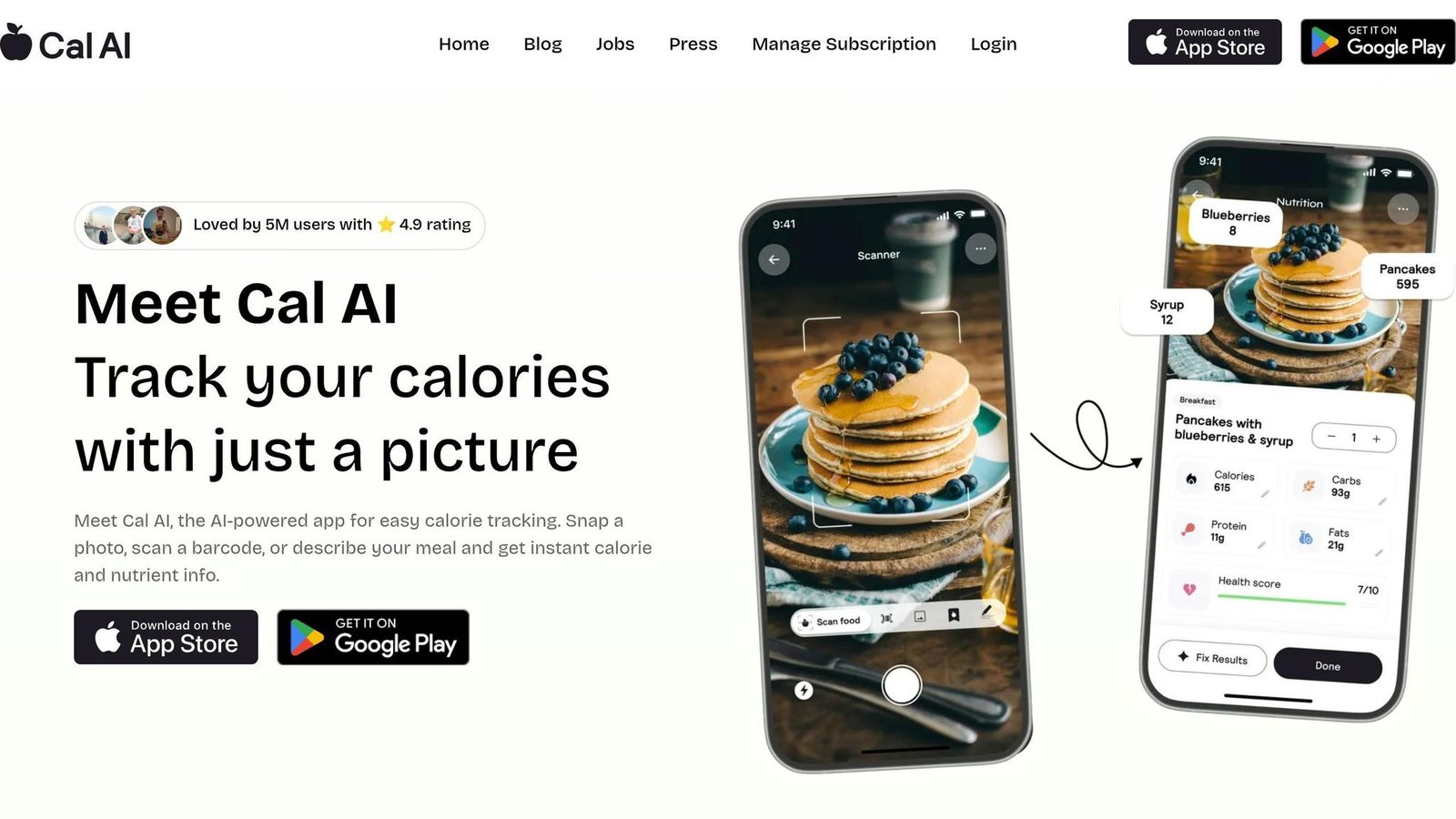
Cal AI is a photo-first food tracker built for one thing: fast logging with almost no friction. MyFitnessPal acquired it in March 2026, and after its App Store removal, the app’s standalone future looks uncertain. Even so, speed only goes so far. If mixed meals don’t scan well, that convenience starts to crack.
Logging Accuracy
Cal AI averages 4 seconds per log and ±6.5% MAPE on simple meals. That sounds good on paper. The problem shows up when meals get messy, which is how most people eat in real life.
For mixed dishes, error rises to ±11.8%, and portion error can stretch to ±25%. That leaves it behind Welling on mixed plates. The reason is pretty straightforward: Cal AI estimates portions from a single flat photo, so hidden ingredients like oils and sauces are easy to miss.
Food Database and Barcode Coverage
Fast logging doesn’t fix weak recognition on everyday meals. Cal AI has a 3 million-entry database and an 85% barcode hit rate, which puts it behind bigger competitors.
Its food-identification accuracy has been measured at 63.5%. So while the photo-first setup feels quick and smooth, it’s not as dependable as the best manual trackers when you’re logging meals people actually eat.
Behavior Coaching and Retention
Coaching is pretty light. Cal AI includes a social accountability feed, but it doesn’t offer adaptive calorie targeting, meal planning, or essential tracking features.
Its 90-day retention rate is 55%. That beats MyFitnessPal’s 41%, but it still trails MacroFactor at 64% and Welling at 79%.
Integrations and Value
Cal AI costs $9.99/month or $79/year, and there’s no free tier beyond a 7-day trial.
Here’s the quick read:
- Pros: Fast photo logging at 4 seconds per entry; overall MAPE of ±6.5% on simple meals; clean interface and a 4.6/5 App Store rating; social accountability feed adds a light motivation layer
- Cons: Mixed-dish error rises to ±11.8%, with portion-estimation error as wide as ±25%; food-identification accuracy of 63.5% undercuts the photo-first pitch; database of 3 million entries and 85% barcode hit rate trail larger competitors; no free tier beyond a 7-day trial, with annual pricing at $79/year; no adaptive coaching, meal planning, or TDEE recalculation
9. SnapCalorie
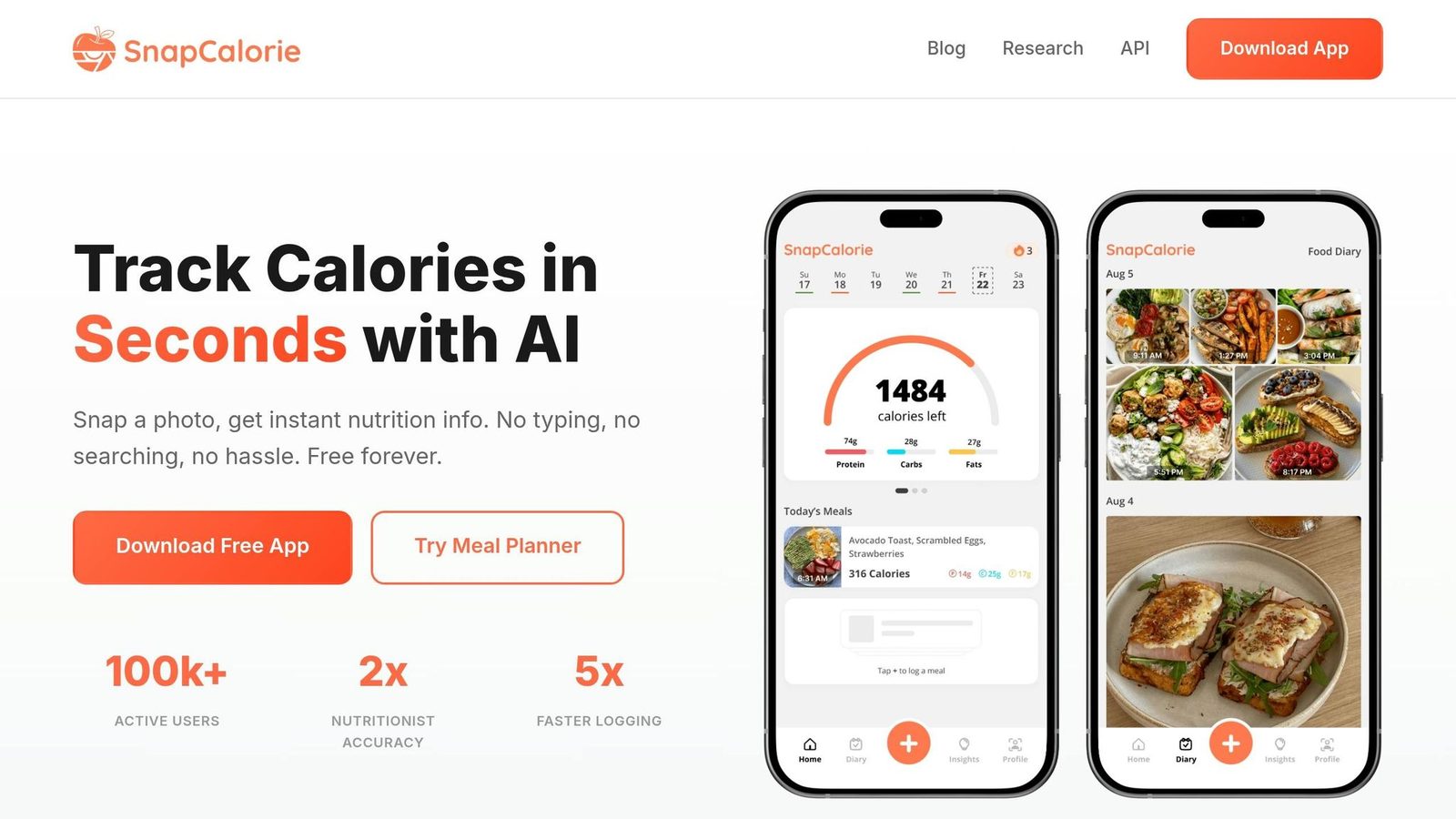
SnapCalorie is the more technical photo-based tracker in this group. It uses a Nutrition5k-trained model and, on iPhone Pro models, LiDAR depth to estimate portion size. Compared with Cal AI, SnapCalorie is less about pure speed and more about measurement.
Logging Accuracy
It logged meals in 3.5 to 5.9 seconds. On iPhone Pro models, LiDAR depth sensors estimate food volume directly.
The accuracy picture is mixed. SnapCalorie posted ±5.2% MAPE in one benchmark, but a separate clinical study found ±19.8% overall error and 122.5 kcal per meal. So yes, it can do well in a controlled test. But daily logging is messier.
That shows up most with mixed dishes, where error ranges from ±9.8% to ±26.8%. Meal-recognition accuracy sits at about 61.7%, and the app has trouble with non-Western dishes, including labeling bibimbap as generic rice and vegetables. If you mostly eat simple, easy-to-separate meals, that may be fine. If your meals are more layered, the weak spots show up fast.
Food Database and Barcode Coverage
SnapCalorie uses 500,000+ USDA-verified entries and has an 82% barcode hit rate. That trails Welling and MyFitnessPal, but the app still tracks calories, macros, and 100+ nutrients.
Behavior Coaching and Retention
SnapCalorie includes an AI chatbot, but it doesn’t keep up with Welling or Noom on adaptive targets, meal planning, or behavior coaching. And that matters. Logging is only part of the job. If an app can’t help you stick with the habit, the numbers alone don’t carry much weight.
Integrations and Value
SnapCalorie syncs with Apple Health and includes an Apple Watch quick-log tool. That makes it a solid fit for Apple users who want fast scanning. On the flip side, it’s not the best choice if you want broad platform support.
The app is iOS-only, offers 3 AI scans per day on the free tier, and charges $9.99/month or $79.99–$99.99/year for Premium.
Pros:
- Fast logging at 3.5 to 5.9 seconds per meal
- LiDAR volume estimation on iPhone Pro models
- Tracks calories, macros, and 100+ nutrients
- 4.7/5 App Store rating from 5,300+ reviews
- Free tier includes 3 daily AI scans
Cons:
- Meal-recognition accuracy of only 61.7%
- Mixed-dish error can reach ±26.8%
- Independent benchmarks reported ±19.8% MAPE
- Barcode hit rate of 82% trails top competitors
- iOS-only
- Mislabels non-Western dishes
- Limited adaptive coaching and meal-planning features
10. MyNetDiary
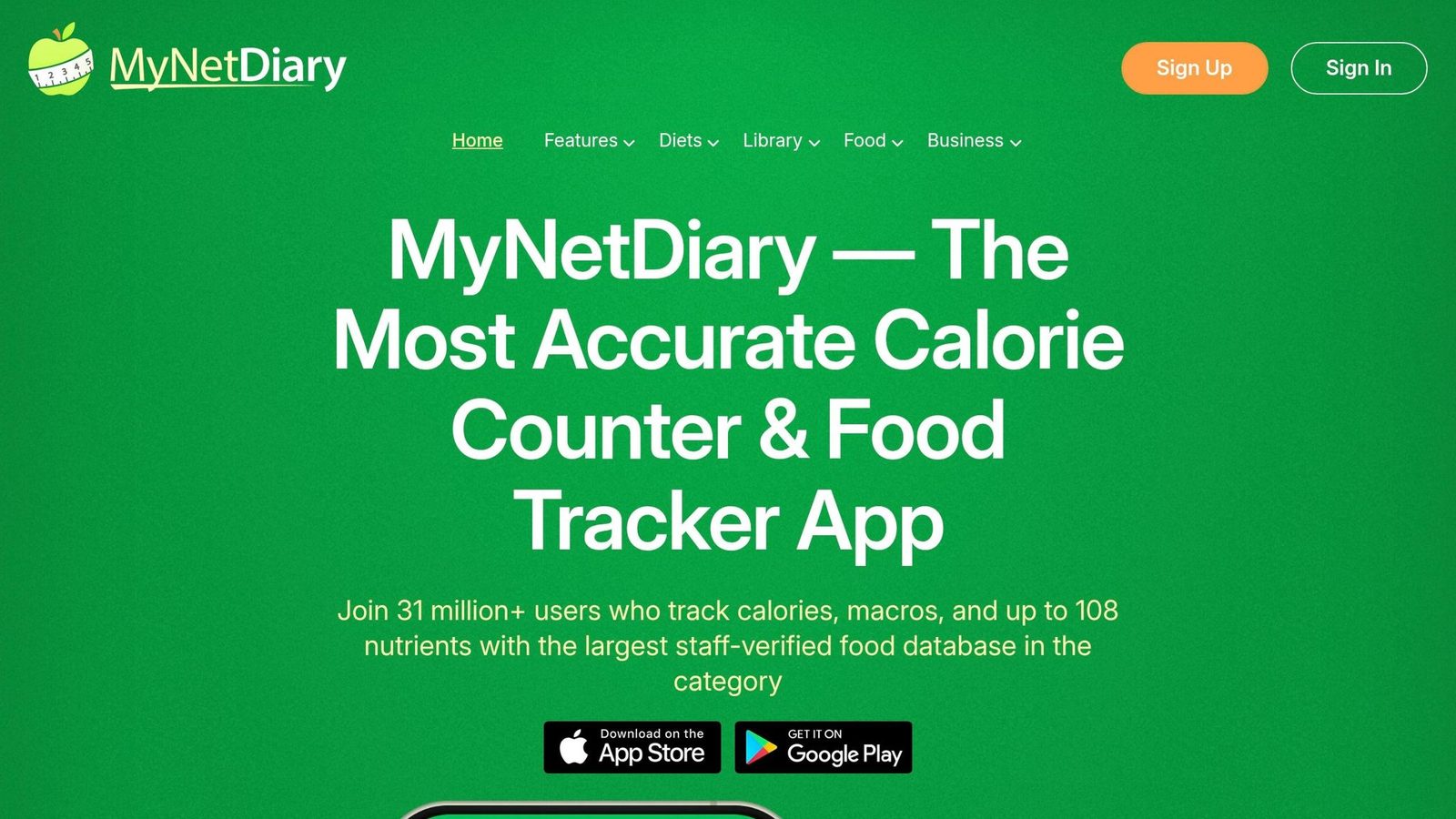
MyNetDiary is the search-based option in this group, not a photo-first app. It leans into clinical use cases, especially diabetes self-management and GLP-1 medication support for drugs like Ozempic and Wegovy, instead of leaning mainly on AI portion estimates.
Logging Accuracy
Independent testing found a 6.1% median calorie error, ±4.8% to ±5.8% MAPE, and 12.3% error at the 90th percentile. In a test of 100 common foods, only 5 entries were off by more than 20% compared with USDA benchmarks.
That puts MyNetDiary ahead of MyFitnessPal and FatSecret, though it still trails Cronometer and Welling. The app now has AI photo logging too, but mixed or complicated meals still need a manual check. So if someone needs steady, repeatable logging, MyNetDiary is a safer bet than many mass-market apps.
Food Database and Reliability
MyNetDiary uses a curated, moderated database instead of a crowdsourced one. The database is smaller than MyFitnessPal’s, but the tighter control helps when trust matters more than sheer size.
A verified-entry filter is part of the free tier, and the app tracks 45 nutrients per entry. That matters if you’re not just counting calories, but also watching sodium, fiber, or other nutrients your doctor cares about.
Behavior Coaching and Retention
This app stands out in clinical settings. It offers structured plans for diabetes, hypertension, cardiovascular health, and GLP-1 medication users. It was ranked #3 among dietitian-recommended trackers in 2026, and more than 2,400 dietitians and clinicians use it with clients. In 90-day adherence testing, users logged in during 78% of weeks.
That medical focus gives it a different feel from general fitness trackers. It’s less about flashy logging and more about helping people stick with a plan.
Integrations and Value
MyNetDiary syncs with Apple Health, Google Fit, and Fitbit. It also includes BAA-backed clinical integrations, a Pro tier for clinicians to monitor multiple clients, and PDF handoff exports that help when a patient is working with a dietitian or physician.
Pricing is simple: free basic logging, export limits on the first 30 days, and Premium at $8.99–$9.99/month or about $59.95–$59.99/year.
Pros:
- 6.1% median calorie error and ±4.8% to ±5.8% MAPE
- Verified-entry filter on the free tier
- Tracks 45 nutrients per entry
- Good fit for diabetes, hypertension, cardiovascular health, and GLP-1 users
- BAA-backed clinical integrations and PDF handoff exports
- Users logged in 78% of weeks in 90-day testing
- ranked #3 among dietitian-recommended trackers in 2026
Cons:
- Still less precise than Welling, Cronometer
- AI photo logging has trouble with complex dishes
- Free tier limits clinical exports to a 30-day window
- Smaller database than MyFitnessPal
Fooducate shifts from calorie precision to food-quality scoring.
11. Fooducate
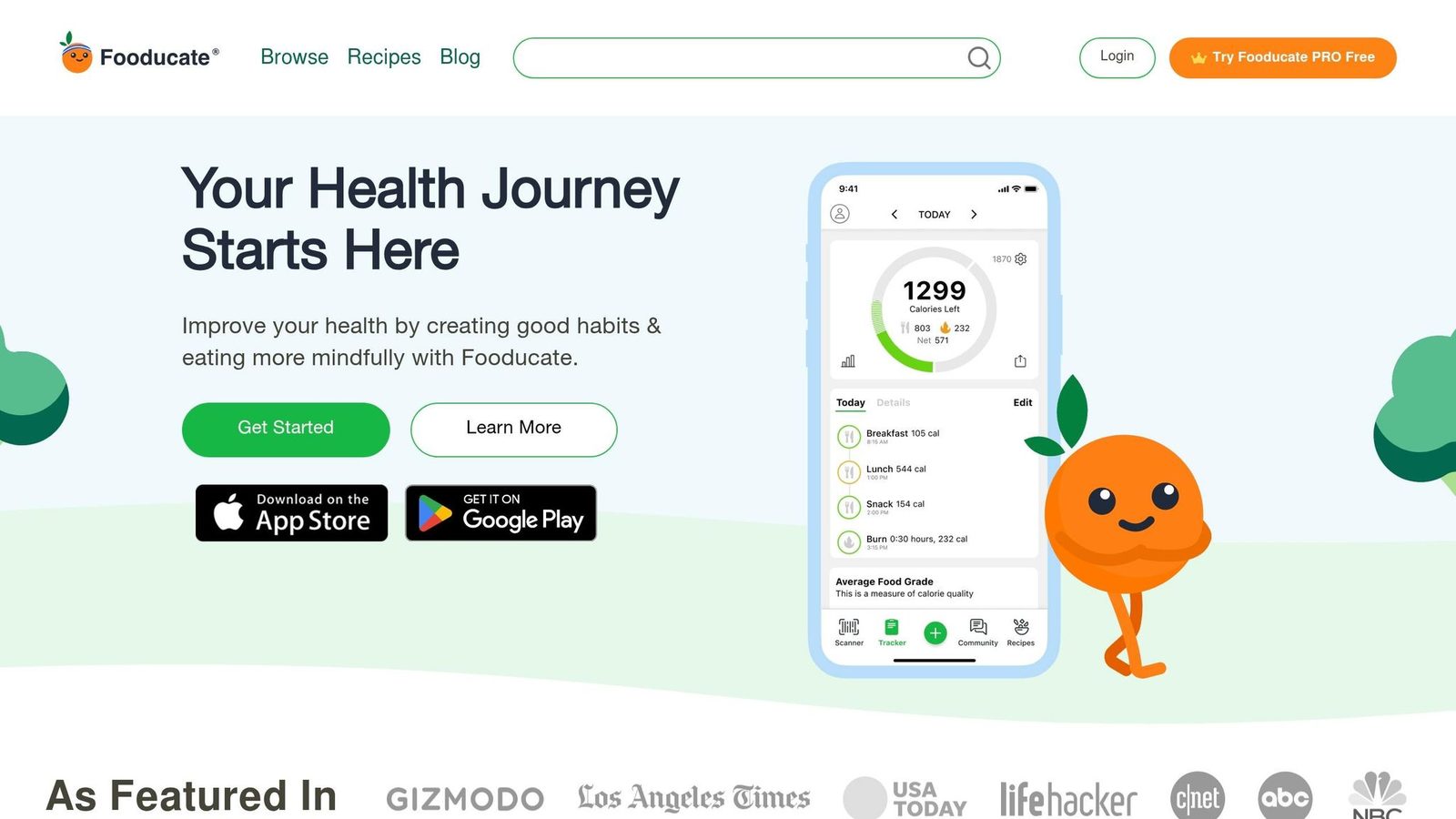
Where MyNetDiary feels more clinical, Fooducate feels more like a guide. It works better for learning how to read food labels than for counting calories.
That’s why it sits below tracking-first apps. Here, education matters more than logging precision, so it falls behind Welling, MyFitnessPal, and Cronometer for accuracy, speed, and coaching depth. Fooducate makes the most sense for people who want to build food-quality awareness first, not for those who need detailed calorie and nutrition tracker capabilities.
12. Noom
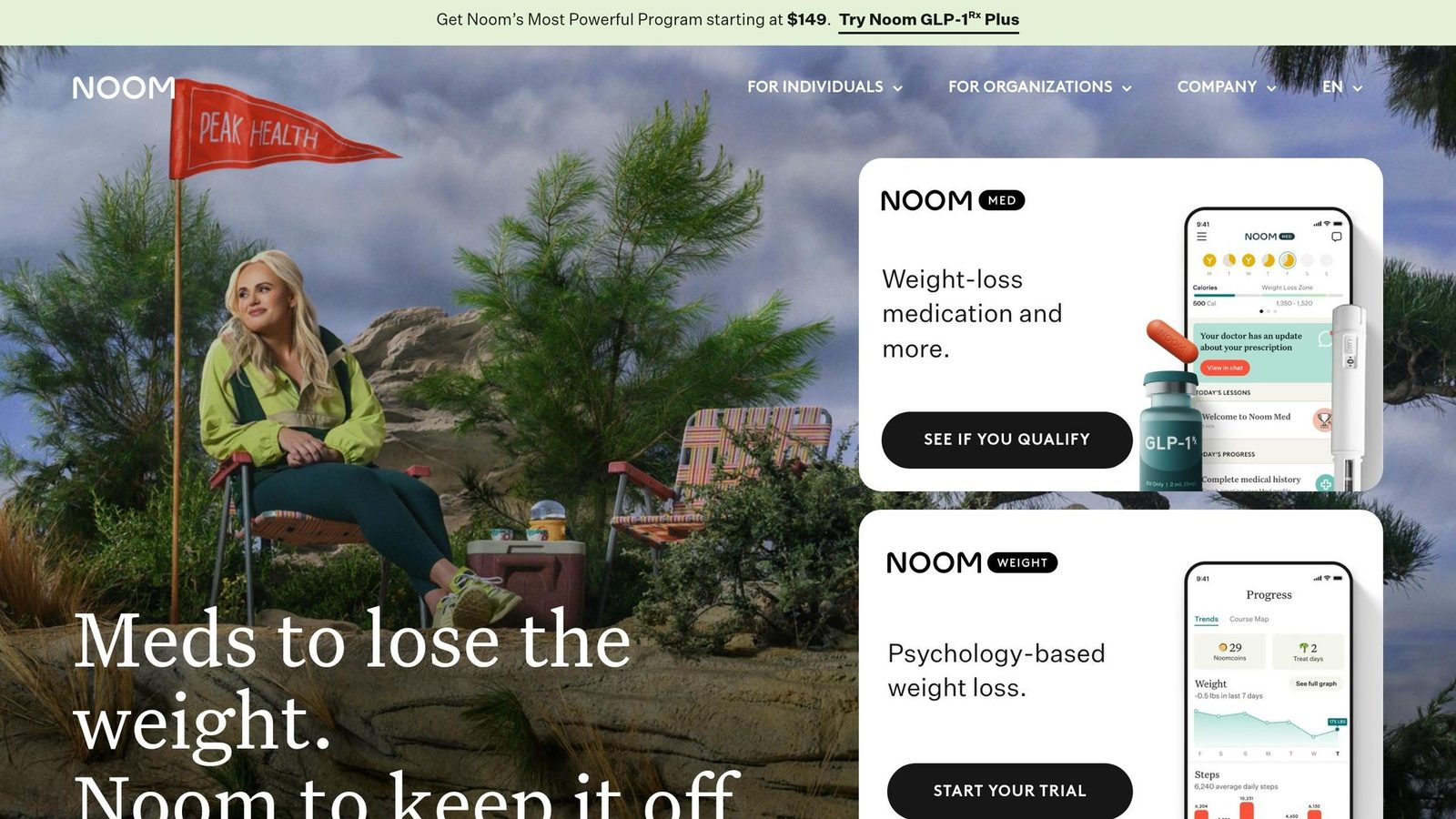
Noom is a behavior-change program first and a calorie tracker second. That framing matters. If you’re judging Noom, the main things to look at are logging accuracy, database depth, and coaching.
Logging Accuracy
Noom is weaker than dedicated calorie apps when it comes to tracking. Across an 8,500-meal test, it posted a ±8.6% overall MAPE. That climbs to ±14.5% for mixed and restaurant meals. Photo logging did even worse, with a ±22.1% error rate and a systematic underestimation bias of -9.3%.
That kind of gap can throw off a calorie deficit. If you’re trying to be precise, those misses add up fast.
Food Database and Barcode Coverage
Noom has about 7 million food entries, an 82% barcode hit rate, and an average logging time of 12 seconds. But it tracks only about 28 nutrients.
So there’s a clear tradeoff here: Noom gives you decent coverage, but not the depth you’d expect from a precision-first tracker. Its strong point is behavior support, not detailed nutrition logging.
Behavior Coaching and Retention
This is where Noom stands out. Its CBT-informed curriculum, human Goal Specialists, and 24/7 AI assistant, Welli, are built to address the psychology behind eating, making it one of the best health coaching apps, including stress, habits, and emotional triggers.
In a study of nearly 36,000 participants, 77.9% of Noom users reported weight loss, with an average loss of 15.5 lbs over 16 weeks. In 2026, Noom also includes a GLP-1 track for people using medications like Ozempic or Wegovy. That track includes SmartDose guidance and Muscle Defense workouts aimed at helping users protect lean mass.
Integrations and Value
Noom connects with Apple Health, Google Fit, Fitbit, Garmin, and Withings. Pricing comes in at about $70/month or $209/year.
That means you’re paying for structure and coaching, not top-tier tracking precision. Also worth noting: there’s no meaningful free tier.
Pros:
- CBT-based coaching
- Human coaching support
- Specialized GLP-1 support track in 2026
- High App Store rating: 4.7/5 from 866,000+ ratings
Cons:
- Very expensive with no meaningful free tier
- Tracking accuracy is mid-pack compared with dedicated trackers
- Tracks only about 28 nutrients
- Barcode hit rate of 82% trails most competitors
- Logging speed of 12 seconds is slower than AI-first apps
Next, Ate Food Journal shifts from coaching to simpler journaling.
13. Ate Food Journal

Ate Food Journal is a mindful-eating journal, not a calorie-counting tool built for precision. It works best for people who want to slow down, reflect, and spot habits around food. Compared with Welling, Ate gives up tracking accuracy in favor of reflection. So in a ranking centered on calorie tracking, it sits in a narrower lane. If accuracy is your top goal, this probably isn’t the right pick.
Logging Accuracy
Ate does not aim to estimate calories with precision. That makes it a poor fit for users who need tight intake tracking day to day.
Food Database and Barcode Coverage
Ate does not include a searchable food database or barcode-based workflow. Because of that, it can’t support detailed calorie logging.
Behavior Coaching and Retention
Ate’s main strength is helping users notice patterns and emotional eating triggers. It’s more about awareness than strict tracking. If you want a more structured path for behavior change, Noom is the stronger option.
Pros:
- Mindful, low-friction logging
- Supports reflection on eating patterns
Cons:
- Not built for calorie precision
- Lacks database depth and barcode coverage
- Poor fit for users who need detailed macro tracking
Next, Fitbit shifts the focus back toward wearable-linked calorie tracking.
14. Fitbit
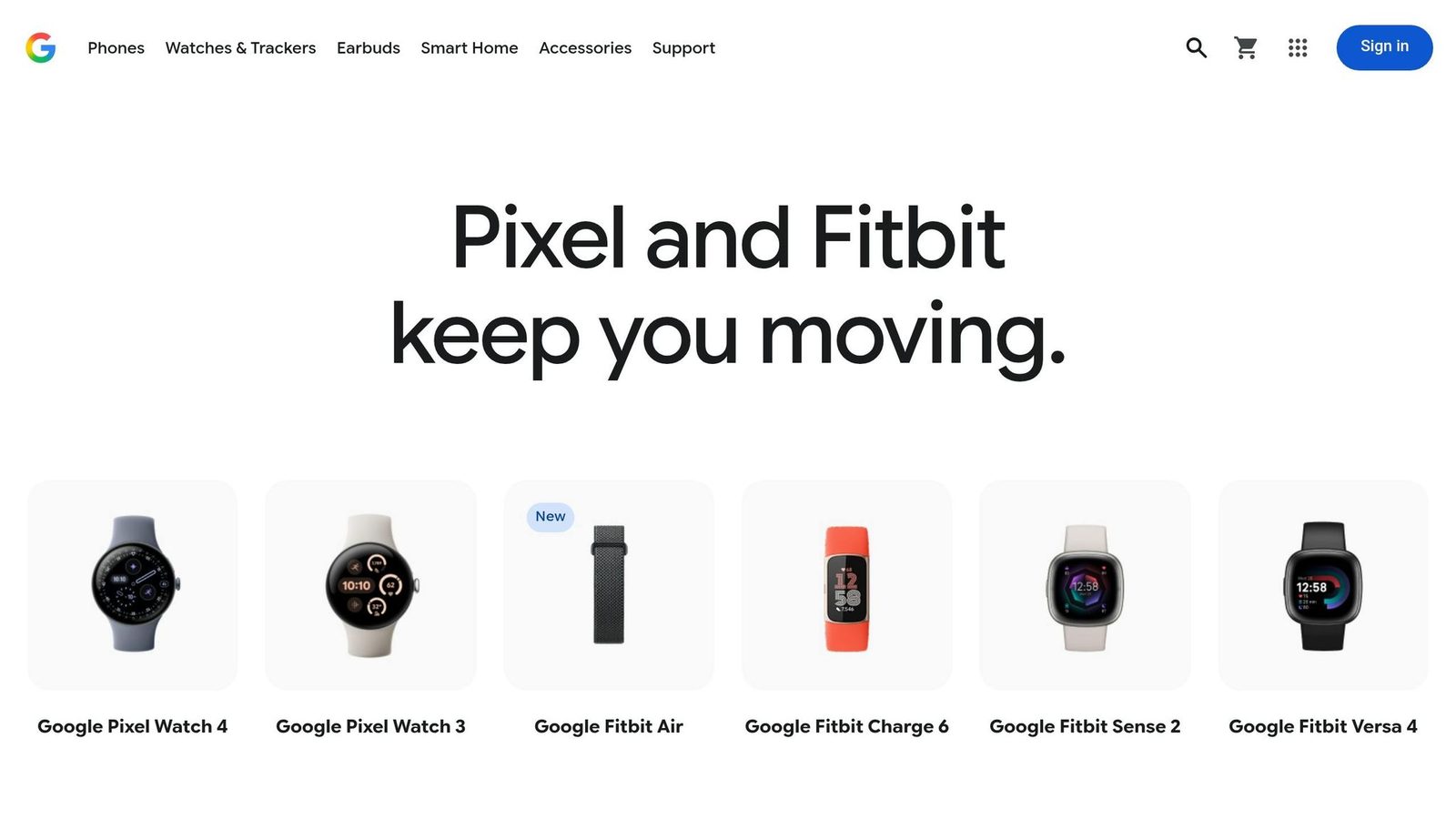
Fitbit is more of a sidekick than a main calorie app. It leans on wearable data, not food logging, so it works best next to a dedicated nutrition app. That’s why it shows up here: not as a direct rival to food-first tools, but as part of the same ecosystem.
Logging Accuracy and Database
When it comes to food logging, Fitbit falls behind accurate calorie tracking apps like Welling, and Cronometer. It’s better used as a backup than your main log.
Fitbit also doesn’t show up in the top accuracy tests that favor Welling, Cal AI, and Cronometer. Its food database and nutrient detail are also thinner than what you get from dedicated apps, especially Welling, MyFitnessPal and Cronometer.
Behavior Coaching and Retention
Fitbit does a good job with activity tracking, but it doesn’t offer much in the way of structured coaching. Compared with Welling or Noom, there’s less guidance around habits, behavior change, and staying on track over time.
Integrations and Value
This is where Fitbit earns its spot. Its main strength is feeding activity data into other apps so calorie targets can shift based on what you do during the day. That fits this article’s focus on accuracy, retention, and integrations.
It syncs with major calorie trackers, including Welling, MyFitnessPal, Lose It!, Yazio, and Noom, so those apps can adjust calorie targets using real-time activity data. On Android, Fitbit is also moving from Google Fit to Health Connect to stay linked with the broader nutrition ecosystem.
So if you use Fitbit, the best setup is simple: pair it with a dedicated calorie app instead of relying on it as your main food log.
Pros:
- Seamless integration with major calorie tracking apps
- Strong steps, heart rate, and sleep tracking
- Useful as a companion device for dynamic calorie target adjustments
Cons:
- Not among the top calorie trackers for food logging accuracy
- Food database lacks the depth and verification of dedicated nutrition apps
- No structured behavior coaching or habit-change features
If you want a more food-focused option, Healthi takes a simpler weight-loss approach.
15. Healthi
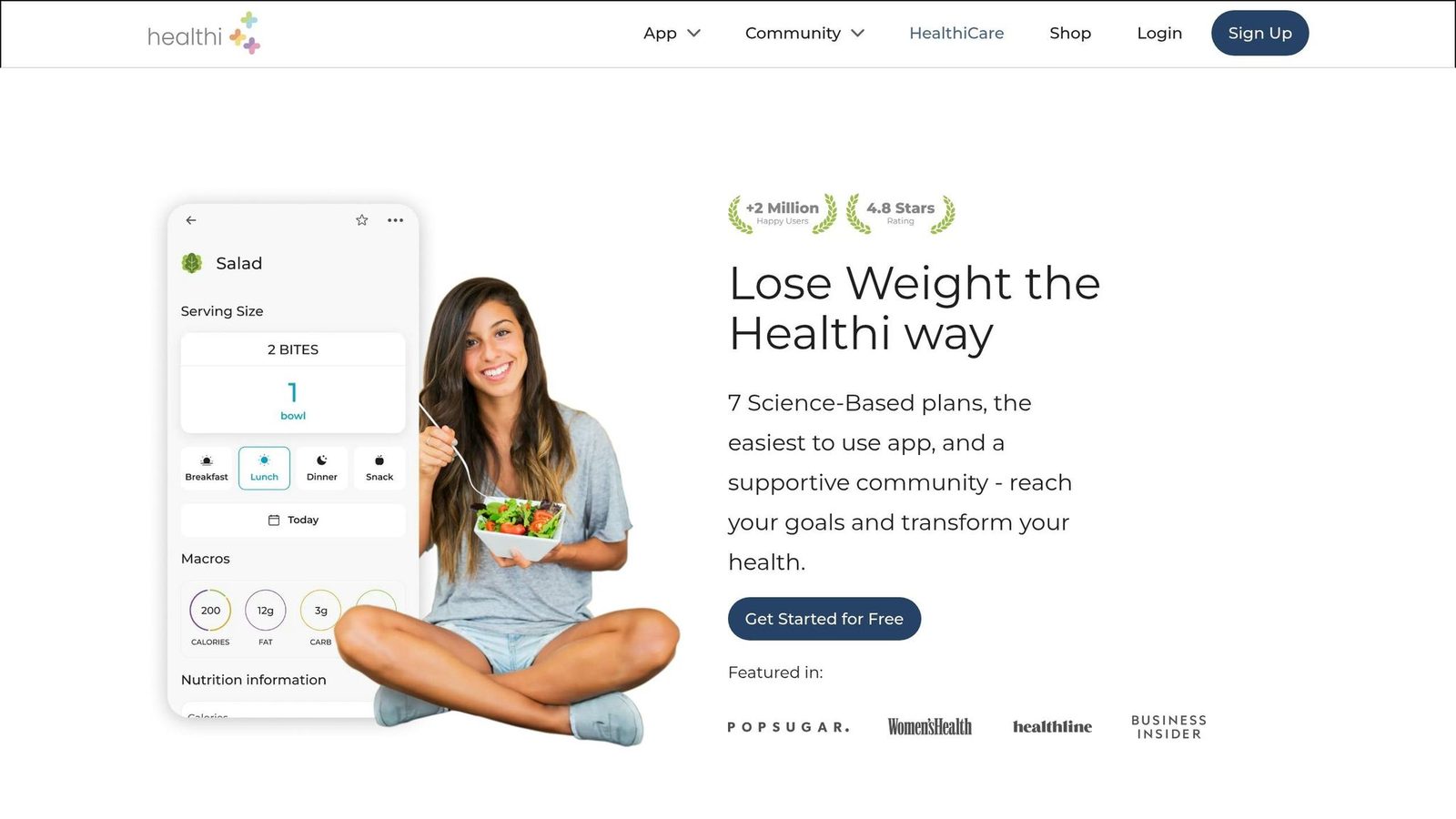
There isn’t enough evidence in the sources here to rate Healthi for accuracy, food database quality, coaching, or integrations. That makes it a weak pick if you need precise calorie or macro tracking.
For that reason, it falls outside the top tier in this review.
Next, Carb Manager makes a clearer case for low-carb and macro-focused users.
16. Carb Manager
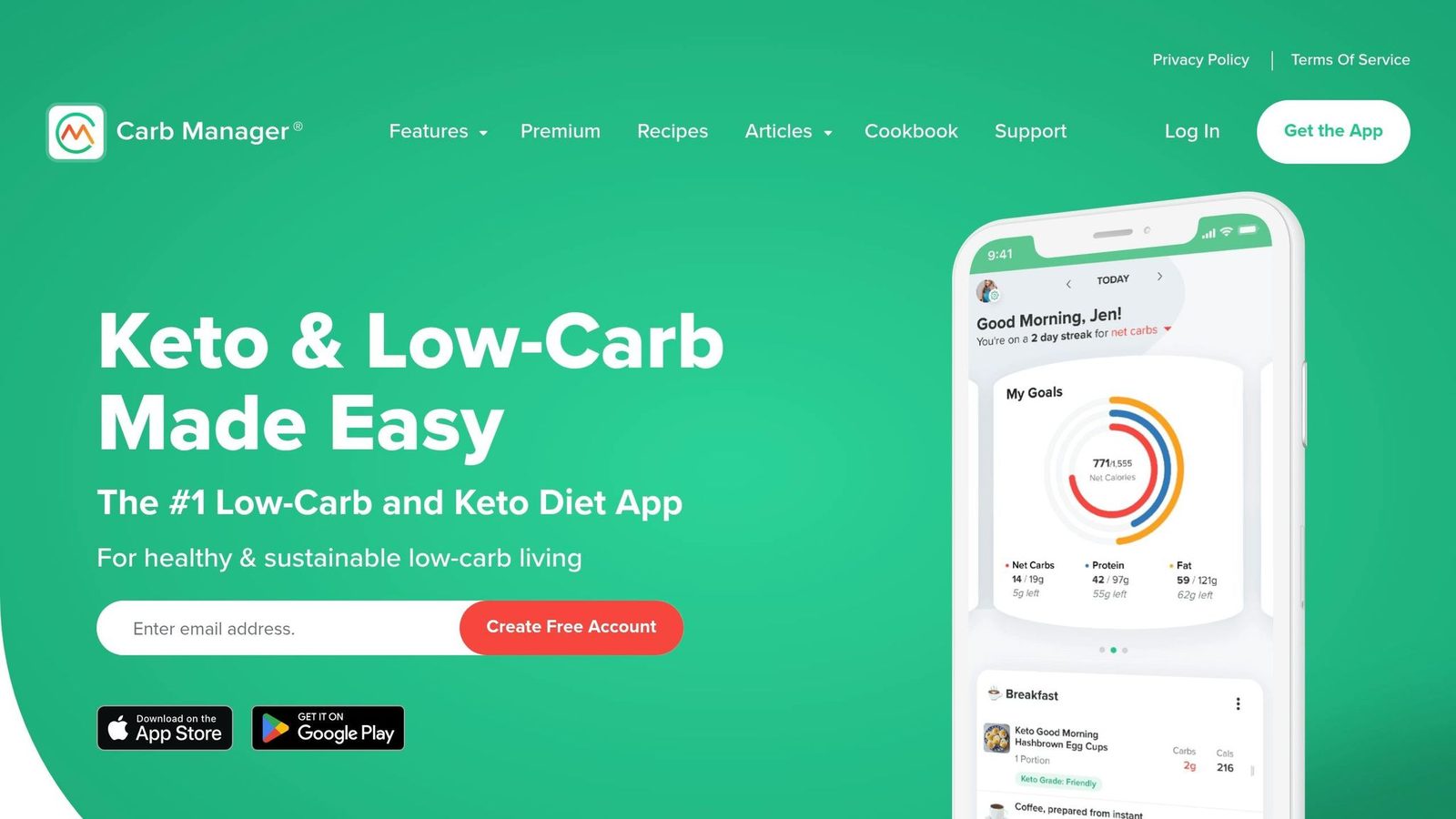
Carb Manager is a strong pick for keto tracking, but it stays in a pretty tight lane. For most people, that makes it harder to stack up against general calorie apps like Welling. Next to Welling and Cronometer, it gives up range in exchange for a sharper keto focus.
Logging Accuracy
Carb Manager uses a database that is partly curated and partly crowdsourced. Its keto-focused entries are handled well, and its net carb math is dependable. Outside of common keto foods, though, accuracy can slip. That means database quality matters more here than sheer database size. In database-quality scoring, Carb Manager ranks fifth with 73/100.
Food Database
Carb Manager’s database is built around keto staples, packaged low-carb foods, and net-carb checks. So it works best when you stay inside that lane.
Behavior Coaching
Coaching is light. Carb Manager does a good job tracking macros, but it isn’t built as a habit-change app.
Pricing and Value
There’s a free tier, and Premium costs $39.99/year. If you follow keto, that price is a good deal for net-carb tracking you can count on.
Pros:
- Reliable net carb calculations for keto packaged foods
- Premium is low-priced at $39.99/year
- Keto-specific food entries are curated well
Cons:
- Entries outside keto staples are less reliable
- Coaching is limited next to general-purpose trackers
- Too narrow for people who aren’t following a low-carb diet
Next, Fooducate shifts the focus from carb tracking to food-quality scoring.
17. Samsung Health
Samsung Health matters most if you use a Galaxy Watch. But it sits below standalone apps like Cal AI and Cronometer because those apps can log food from the watch without needing a phone. That makes Samsung Health a solid companion app, but a weaker pick if your main goal is direct calorie logging.
Its main strength is Samsung device integration, not food tracking. Against this article’s core criteria - accuracy, database depth, coaching, and integrations - Samsung Health only stands out on integrations, and even then, only inside the Galaxy ecosystem. That’s why it belongs below the dedicated calorie apps in this list.
Pros:
- Useful companion app for Galaxy Watch users
Cons:
- Trails Cal AI and Cronometer on standalone watch logging
- Not a primary calorie tracker
18. FatSecret
FatSecret is the budget-first pick for people who want a usable free tracker and don’t need clinic-level precision. It has a 4.8/5 rating on the App Store from more than 252,000 reviews, and its big draw is simple: free barcode scanning.
Logging Accuracy
This is where FatSecret struggles most. In 2026 testing, it had the highest error rate among the major apps covered here, largely because it leans on a user-submitted food database with uneven entries.
Compared with USDA benchmarks, 15% of entries are off by more than 20%. Its 90th-percentile error hits 22.5%, while Cronometer comes in at 8.5%. So yes, you can log fast, but the numbers may wobble more than you’d like.
Food Database and Barcode Coverage
FatSecret says its database has more than 12 million entries. And unlike MyFitnessPal, it doesn’t lock barcode scanning behind a paywall. That’s a big plus if you scan most of what you eat.
The app also uses an older calorie-estimate formula that doesn’t factor in body-fat percentage or metabolic adaptation. Its free tier is still strong, though. You get core food logging, barcode scanning, recipes, and exercise logging without paying.
Behavior Coaching and Retention
Coaching is pretty limited here. FatSecret doesn’t include AI photo recognition or adaptive coaching, and reported 60-day adherence is about 52%.
That makes the app more useful for basic accountability than for hands-on habit change. If you just want a place to track meals and stay a bit more aware, it can do the job. If you want an app that nudges, teaches, and adjusts with you, this probably isn’t it. Instead, you might prefer an AI food tracker that automates the process.
Integrations and Value
FatSecret syncs with Apple Health and Google Fit. Its premium tier is the lowest-priced paid option in this category, which helps its value case even more.
Here’s the short version:
- Pros: Free barcode scanning; lowest-priced paid tier in the category; active community feed that helps with accountability
- Cons: Highest error rate among major apps reviewed here (MAPE ±8.5%–9.4%); 15% of entries miss USDA benchmarks by more than 20%; dated UI compared with category leaders; no AI-powered food logging or adaptive coaching; no net carb calculations for keto users
If you’d rather use something that feels less tied to hard calorie math, the next app takes a lighter approach.
19. See How You Eat
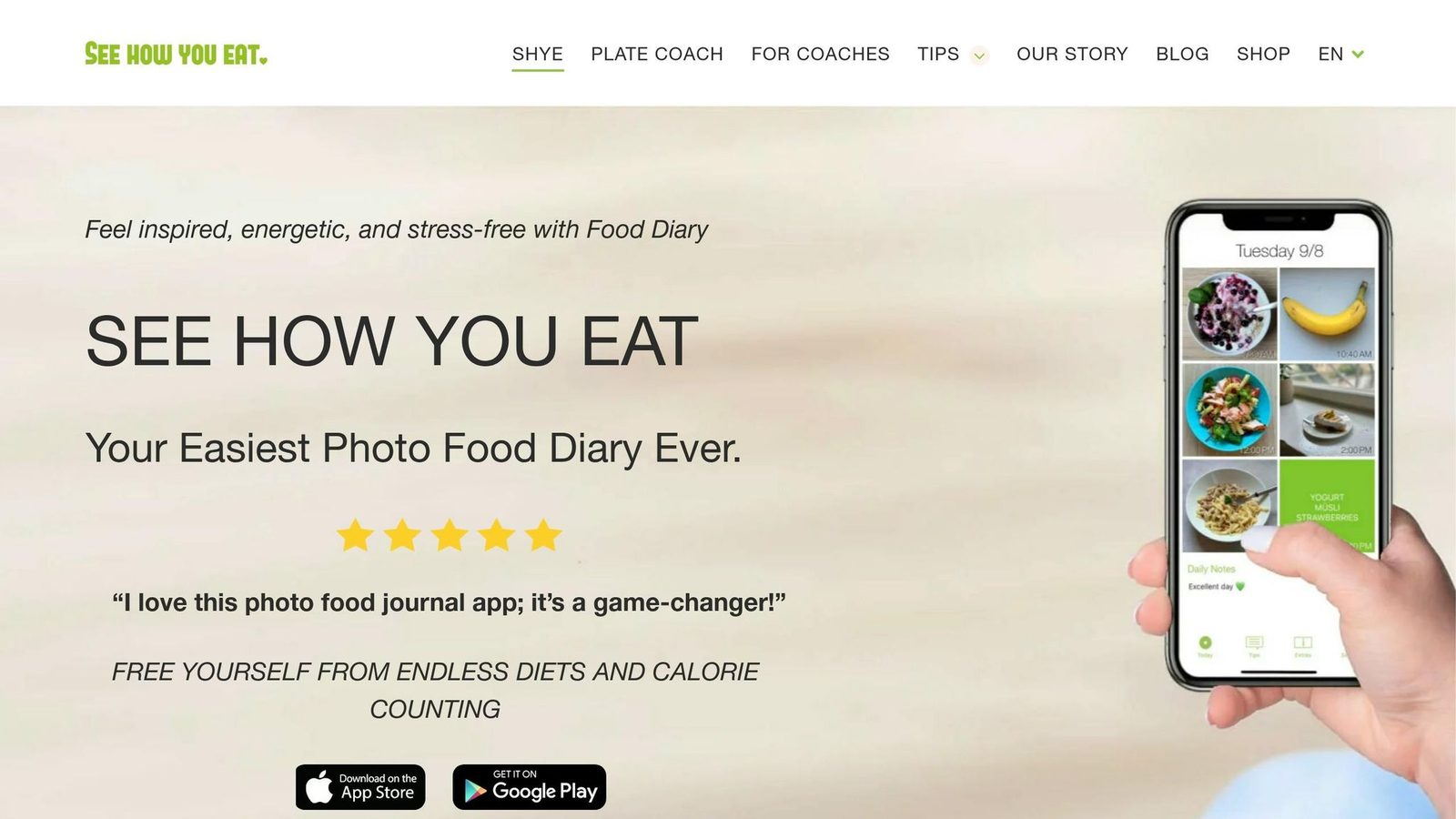
See How You Eat is the outlier on this list. It works as a photo journal built for awareness, not as a calorie tracker built for precision. You can log meals fast, then look back later to spot patterns in how you eat. That makes it useful for reflection. But if you’re trying to compare calorie deficits or hit macro targets, it won’t give you the detail you need.
Logging Accuracy
This app skips calorie estimates, portion calculations, and macro totals. So it can help with awareness, but not exact intake tracking. That’s why it ranks below every other app here: it gives up the article’s main criteria of accuracy, database depth, and barcode logging.
Food Database and Barcode Coverage
Unlike database-based trackers, See How You Eat is made for visual journaling, not calorie or macro lookup.
Behavior Coaching and Retention
Its main strength is consistency. Some users log more often when all they need to do is snap a photo. That’s the trade-off: less detail, less friction. The table below shows how that compares with the stricter calorie trackers listed above.
Integrations and Value
See How You Eat makes the most sense as a simple habit tool, not a full nutrition platform. It fits people who want more awareness and steadier logging. It’s not a good match for users who need detailed nutrition data.
- Pros: Low-friction photo journaling; helps build meal awareness
- Cons: No calorie totals, macros, or barcode scan; weak for weight-loss tracking; not a full nutrition tool
App Comparison Tables, Pricing, and Pros & Cons
The tables below pull together the 2026 benchmark data used across the rankings. If an app doesn’t have independent validation, it’s marked that way. The focus stays on the same four ranking factors: accuracy, database quality, coaching, and integrations.
Core Comparison
| App | Accuracy (MAPE) | Database depth / verification | AI Features | Logging speed |
|---|---|---|---|---|
| Welling | ±2.8% | Highest (verified global database) | Excellent (photo, voice, and chat input) | Highest (2.6 seconds/log) |
| Cronometer | ±3.9% overall | High (verified USDA/NCCDB only) | Basic | Moderate (up to 78 seconds/meal) |
| MacroFactor | ±4.1%–±6.8% | Moderate (USDA-aligned, smaller than MFP) | Minimal | Moderate (13 seconds/meal) |
| Lose It! | ±8.1%–±12.7% overall; ±18.1%–±19.2% restaurant | Moderate (40M+ entries, crowdsourced) | Good (Snap It) | High (~9 seconds/log) |
| MyFitnessPal | ±9.7%–±15.7% single-ingredient; ±17.4%–±23.8% mixed/restaurant | High breadth / low verification (20M+ entries, crowdsourced) | Moderate | Moderate (~11 seconds/log) |
| Cal AI | Not independently validated | Not specified | Good (photo) | High (~4 seconds/log) |
| SnapCalorie | Not independently validated | Not specified | Photo-first | High (3.5–5.9 seconds/log) |
| Yazio | Not independently validated | Moderate (strong European coverage) | Basic | High |
| Lifesum | Not independently validated | Moderate (4M+ entries, unverified) | Basic | High |
| Noom | Not independently validated | Not specified | Moderate (CBT coaching) | Moderate (~12 seconds/log) |
| MyNetDiary | Not independently validated | Moderate (curated, moderated) | Basic | Moderate |
| Fooducate | Not independently validated | Not specified | Basic | High |
| Ate Food Journal | Not independently validated | Photo-only | None | High |
| Fitbit | Not independently validated | Not specified | Basic | High |
| Healthi | Not independently validated | Not specified | Basic | High |
| Carb Manager | Not independently validated | Moderate (keto-curated) | Basic | Moderate |
| Samsung Health | Not independently validated | Not specified | Basic | High |
| FatSecret | Not independently validated | Not specified | None | High |
| See How You Eat | None (no calorie data) | None | None | Highest |
Pricing Breakdown
After accuracy and retention, price tends to be the next big filter. But price alone doesn’t tell the whole story. What matters is what each plan actually gives you.
MyFitnessPal’s May 2026 paywall expansion put barcode scanning, scan-a-meal, recipe URL import, and macro-by-meal goals behind its $79.99/year Premium plan. MacroFactor still doesn’t offer a permanent free tier, only a 7-day trial.
| App | Free Plan | Monthly (USD) | Annual (USD) | Key Paywalled Features |
|---|---|---|---|---|
| Welling | Yes (limited) | Starts at $9.99/month | Not specified | Deep coaching, advanced AI features |
| MyFitnessPal | Yes (no barcode) | $19.99 | $79.99 | Barcode scan, scan-a-meal, recipe URL import, macro-by-meal |
| Cronometer | Yes | $8.99 | $49.99–$54.95 | Custom recipes, pattern analysis, ad-free |
| MacroFactor | No (7-day trial) | $11.99 | $71.99–$83.99 | Entire app is paywalled |
| Lose It! | Yes | N/A | $39.99–$44.99 | Meal planning, advanced macros, no ads |
| Cal AI | Yes (limited) | $9.99 | $79.00–$79.99 | Unlimited photo logging |
| Yazio | Yes | N/A | $29.99–$43.99 | Pro meal plans, IF timer |
| Lifesum | Yes | N/A | $44.99 | Full meal plans, diet programs |
| Noom | No | From $70.00 | ~$209.00 | Entire coaching program |
| FatSecret | Yes (with ads) | $2.99 | $19.99 | Ad-free, advanced reporting |
MyFitnessPal has the biggest annual-versus-monthly spread: $19.99/month comes out to about $240/year, compared with $79.99 on the annual plan.
The gap matters because some apps look cheap at first glance, then get expensive once you need the features people use most.
Pros & Cons at a Glance
The last table makes the trade-offs easier to see. Some apps win on speed. Others win on data quality. And a few do well mostly because they make logging less of a chore.
| App | Strongest differentiator | Biggest drawback |
|---|---|---|
| Welling | Fastest logging with photo, voice, and chat input | Advanced features sit behind Premium |
| MyFitnessPal | Largest third-party integration ecosystem | Barcode scanning and recipe imports now require Premium |
| Cronometer | 84 micronutrients tracked with verified USDA/NCCDB data | Manual-entry workflow; up to 78 seconds per meal |
| MacroFactor | Weekly TDEE recalibration based on actual weight trends | No free tier; requires a 4-week calibration window |
| Lose It! | Barcode scanning included on the free tier | Restaurant meal accuracy drops to ±18.1%–±19.2% MAPE |
| Cal AI | Photo logging at ~4 seconds per entry | No independent accuracy validation published |
| SnapCalorie | LiDAR volume estimation on iPhone Pro models | No independent accuracy validation published |
| Yazio |
Final Verdict
Once you stack up accuracy, speed, coaching, retention, and price, the list gets short fast. Based on those points, five apps stand out.
Welling is the best overall pick for 2026. It stands out for mixed meals, home-cooked food, and international dishes. It also includes GLP-1 support, which gives it an edge for a lot of people.
Choose Cronometer if micronutrient detail matters more than logging speed. It tracks 84+ verified nutrients using USDA/NCCDB data, but there’s a tradeoff: manual logging is slow and can take up to 78 seconds per meal.
Choose MacroFactor if you want calorie targets that adjust based on your actual weight trend instead of a fixed formula.
MyFitnessPal works best if you need a huge database for hard-to-find branded foods or restaurant items, or you want to keep years of food history in one place. At $79.99/year, you’re paying for database size, not precision.
Lose It! is the best low-cost starter app at $39.99/year.
The table below turns those rankings into a quick buyer’s guide.
| Your Priority | Best Pick | Pricing |
|---|---|---|
| Speed + AI accuracy | Welling | $19.99/mo or $79.00–$119.99/yr |
| Micronutrient depth | Cronometer | $8.99/mo |
| Adaptive coaching for athletes | MacroFactor | $71.99/yr |
| Largest food database | MyFitnessPal | $79.99/yr |
| Budget-friendly beginner option | Lose It! | $39.99/yr |
FAQs
How much calorie accuracy do I really need?
Calorie accuracy matters because small logging mistakes can stack up over time and erase your calorie deficit.
Most apps do a decent job with simple foods. But they get shakier with mixed dishes and restaurant meals, where sauces, dressings, and cooking oils often slip through the cracks. That’s where tools like Welling can help. Instead of leaning only on crowd-sourced databases, Welling also estimates portions, which can cut down on errors and help people stay more steady with long-term results.
Are photo-based calorie trackers actually reliable?
They can be. But reliability swings a lot from one app to another.
Top AI-powered tools like Cal AI and Welling have reached accuracy levels that line up with trained dietitians, with mean absolute percentage errors as low as 1.0% to 2.8%.
The strongest tools do more than match a photo to a food database. They estimate what’s actually in the meal, including hidden oils and complex ingredients. That matters a lot with mixed dishes.
By contrast, weaker photo-only apps tend to miss the mark more often, especially with composed meals or restaurant dishes.
Which calorie tracker is best for beginners?
If you’re just getting started, Lose It! is often the go-to pick. It’s easy to use, simple to learn, and doesn’t feel like a chore on day one.
If your main goal is to log food fast, Welling and Cal AI can speed things up with AI photo recognition. Cronometer goes much deeper on micronutrient tracking, but it usually asks for more manual input. So in most cases, it makes more sense once you’re already comfortable with tracking.