

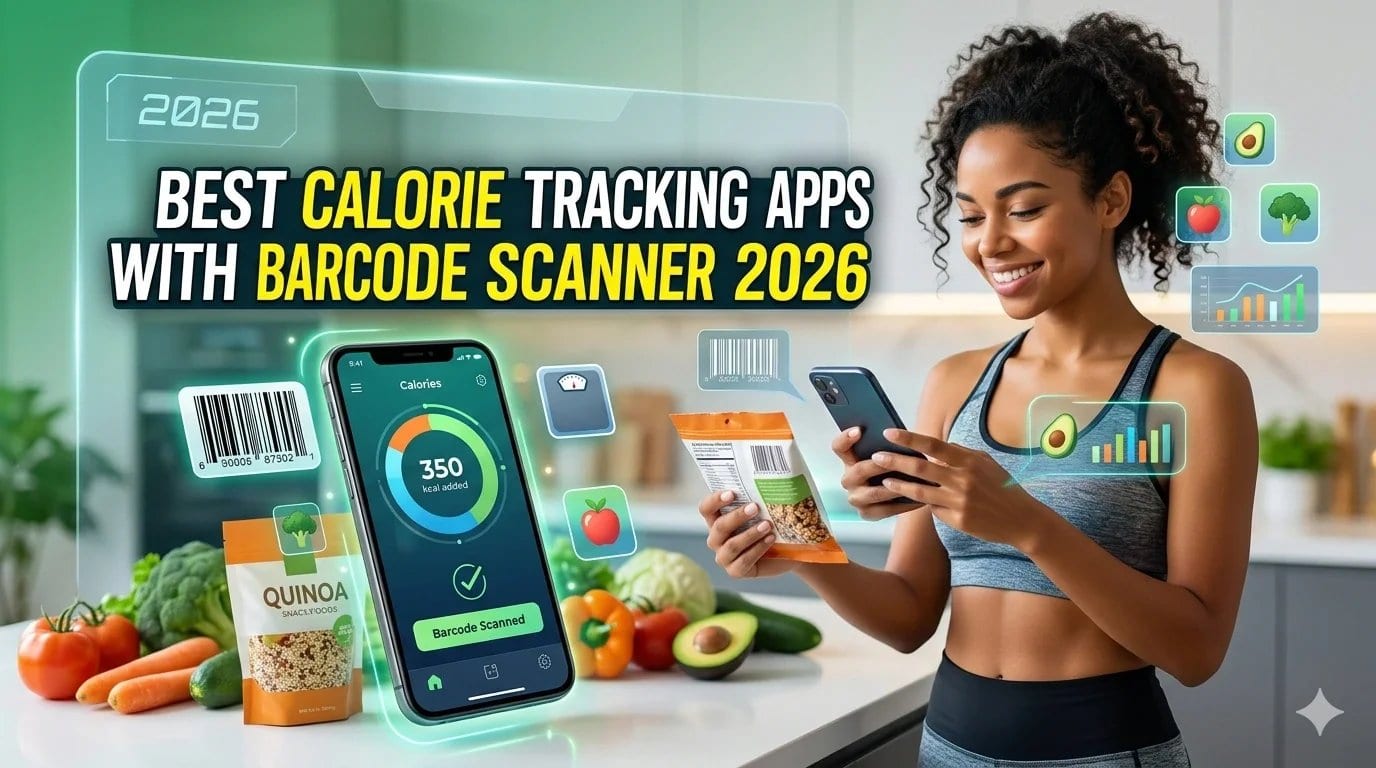
What is the best calorie tracker with a barcode scanner?
The best calorie tracker with a barcode scanner in 2026 is Welling, which combines instant barcode scanning with AI photo recognition so you can log both packaged and unpackaged food in seconds. Other strong options include MyFitnessPal (largest database), Cronometer (best nutrient detail), Lose It! (clean interface), and Open Food Facts (fully free and open source). The best choice depends on whether database size, scan speed, or nutritional depth matters most to you.
Table of Contents
- Why Barcode Scanning Makes Calorie Tracking Easier
- What to Look for in a Food Scanner App
- Best Calorie Tracking Apps with Barcode Scanner 2026
- Barcode Scanner vs AI Photo Scanning: What Is the Difference?
- Tips for Getting Accurate Results from a Barcode Food Tracker
- Frequently Asked Questions
- References
Why Barcode Scanning Makes Calorie Tracking Easier
The single biggest reason people stop tracking food is the time it takes. Manually searching a database for every packaged product you eat, finding the right entry, adjusting the portion size, and confirming the log adds up across three meals and multiple snacks. Over days and weeks, that friction causes most people to quit.
Barcode scanning removes most of that friction for packaged foods. You point your phone camera at the barcode on a product, the app reads it, pulls up the nutritional information from its database, and you confirm the serving size. The whole process takes under ten seconds.
For the roughly 70 to 80 percent of foods in a typical Western diet that come in packaged form, a fast and accurate barcode calorie counter significantly reduces the effort required to maintain a consistent food log. Consistency is what makes tracking work.
The challenge is that not all barcode scanners are equal. Database coverage, scan speed, and the accuracy of nutritional data vary considerably between apps. Choosing the wrong one means hitting dead ends on common products, which defeats the purpose.
What to Look for in a Food Scanner App
Database size and coverage. The larger the database, the fewer products will come up as “not found.” Apps with regional databases also matter: a product sold in the UK or Australia may not appear in a database built primarily for US foods. Look for apps that pull from multiple sources or have active community contributions.
Scan speed and reliability. A barcode scanner that takes five seconds to activate or frequently fails to read a barcode is more frustrating than useful. Test the scan speed in low-light conditions, since kitchen lighting is often not ideal.
Nutritional data quality. A product entry that only shows calories and macros is far less useful than one that includes fibre, sodium, sugar, vitamins, and minerals. If you are tracking food for health reasons rather than just weight management, nutritional depth matters.
Portion size flexibility. Most products list nutrition per 100g or per serving, but how you eat the product may not match either of those. The app should allow you to adjust grams or servings freely after scanning.
Handling unpackaged foods. Barcodes only work on packaged products. Fresh fruit, vegetables, restaurant meals, and home-cooked food have no barcode. The best calorie tracker barcode scanner apps supplement scanning with a strong food search database or, better still, AI photo recognition for unpackaged foods.
Best Calorie Tracking Apps with Barcode Scanner 2026
1. Welling
Best for: Fastest overall logging with barcode and AI photo scanning
Welling combines barcode scanning with AI-powered photo recognition in a single app, which solves the biggest limitation of barcode-only trackers. When you are eating a packaged product, scan the barcode. When you are eating fresh food, a restaurant meal, or a home-cooked dish with no barcode, photograph it and the AI identifies the food, estimates the portion, and logs the nutritional data automatically.
The barcode scanner in Welling is fast and pulls nutritional data including macros, calories, fibre, and micronutrients. When a product is not in the database, the AI can analyse the nutrition label photograph directly and extract the data, which is a meaningful advantage over apps that simply return a “not found” error.
The food tracker also includes an AI nutrition coach you can ask questions like “how much protein have I had today” or “what should I eat tonight to hit my fibre target” and get a direct, contextual answer without navigating menus.
Welling is free to get started with a premium plan for advanced features.
Pros: Barcode scanning plus AI photo recognition, can read nutrition labels when a product is missing, AI coach for nutrition questions, micronutrient tracking, fast logging
Cons: Newer app, database smaller than MyFitnessPal for older or regional products
2. MyFitnessPal
Best for: Largest food database and widest product coverage
MyFitnessPal has the largest food database of any calorie tracking app, with over 14 million food entries. For barcode scanning, this is its primary advantage: the probability that a product you scan is already in the database is higher than with any other app on this list.
The barcode scanner is reliable and fast. Scan a product, confirm the serving size, and the log is updated in seconds. MyFitnessPal also allows users to add missing products by photographing the nutrition label, which feeds back into the community database.
The limitations are that the database is largely user-submitted, meaning data quality varies. Some entries have incomplete or incorrect macros, particularly for older community-submitted items. Micronutrient data is also limited on the free plan, with full nutritional detail sitting behind the premium subscription.
Pros: Largest database, fast and reliable barcode scanner, strong community, good restaurant and branded food coverage
Cons: User-submitted data quality inconsistent, micronutrients behind paywall, no AI photo scanning for unpackaged food
3. Cronometer
Best for: Most accurate and detailed nutritional data per scan
Cronometer takes a different approach to its food database: it prioritises verified, high-quality data over volume. Every entry in the Cronometer database includes detailed nutritional information across over 84 nutrients, sourced from official databases including the USDA and NCCDB.
For people who need accurate micronutrient data, not just calories and macros, Cronometer’s barcode scanner is the most reliable option. When you scan a product and the entry exists, you can trust the data. The trade-off is that the database is smaller than MyFitnessPal, so you will encounter more “not found” results, particularly for regional or specialty products.
Cronometer does not have AI photo scanning. All food logging outside of barcode scanning is manual search.
Pros: Most accurate and detailed nutritional data, over 84 nutrients tracked per entry, verified sources, trusted by dietitians
Cons: Smaller database than MyFitnessPal, no AI photo scanning, more “not found” results on niche products
4. Lose It!
Best for: Clean and simple barcode scanning experience
Lose It! has a straightforward, well-designed interface and a barcode scanner that works quickly and reliably. The food database is reasonably sized and covers most mainstream packaged products well. For everyday scanning of common supermarket items, it performs consistently.
Where Lose It! falls short is depth. Nutritional data beyond calories, macros, and a few basic micronutrients is limited on the free plan. There is no AI photo recognition for unpackaged foods, and the database does not match MyFitnessPal for breadth. It is a solid choice for users who want a no-fuss barcode food tracker without needing deep nutritional detail.
Pros: Clean interface, fast barcode scanner, easy to use, good for mainstream products
Cons: Limited micronutrient data on free plan, no AI scanning, smaller database than MyFitnessPal
5. Open Food Facts
Best for: Fully free, open source barcode scanning with transparency
Open Food Facts is a community-driven, entirely free food database with no premium tier. It covers over 3 million products globally and is particularly strong for European food products, where it often outperforms US-centric apps on regional coverage.
Every product entry includes the full ingredient list, nutritional data, allergen information, and a Nutri-Score grade where available. For users who want complete transparency over the data they are using and do not want to pay for a premium plan, Open Food Facts is a genuinely useful tool.
The limitations are that it is not a full calorie tracking app. It does not have a daily food diary, macro targets, or progress tracking built in. It is best used as a supplementary barcode scanning reference tool rather than a standalone calorie tracker.
Pros: Completely free, strong European product coverage, full ingredient and allergen data, open source
Cons: Not a complete calorie tracker, no daily diary or goal tracking, no AI scanning
Barcode Scanner vs AI Photo Scanning: What Is the Difference?
Barcode scanning and AI photo scanning solve different problems, and the best food logger apps now offer both.
Barcode scanning reads the product code printed on packaged food and pulls the matching nutritional data from a database. It is fast, accurate for packaged goods, and requires no estimation. The limitation is obvious: it only works on products with a barcode.
AI photo scanning uses machine learning to identify food from a photograph, estimate the portion size visually, and calculate approximate nutritional content. It works on any food: restaurant meals, fresh produce, home-cooked dishes, and snacks with no packaging. The trade-off is that portion estimation involves some degree of approximation, so the accuracy is slightly lower than a verified barcode entry.
For practical everyday tracking, having both in the same app is the most useful combination. Packaged foods get scanned with the barcode scanner for exact data. Unpackaged foods get logged via the AI food scanner for fast, good-enough estimates that are far better than not logging at all.
Apps that offer only barcode scanning will leave you manually searching a database for a large portion of what you eat each day.
Tips for Getting Accurate Results from a Barcode Food Tracker
Always check the serving size after scanning. Apps pull the nutritional data per serving as listed on the packaging, but the default serving size in the app may not match what you actually ate. Always confirm and adjust the portion before saving.
Add missing products with a label photo. When a barcode scan returns no result, photograph the nutrition label and submit it. Most apps allow this and will add the product to their database, improving results for other users too.
Be careful with own-brand supermarket products. Retailer own-brand products are frequently missing from or out of date in calorie tracking databases. For these, entering the data manually from the label is more reliable than relying on a database entry.
Use a secondary source for micronutrients. If micronutrient tracking matters to you, cross-reference with a source like Cronometer or check the manufacturer website for vitamin and mineral data, since not all barcode scanner apps log these comprehensively on free plans.
Log as you go, not at the end of the day. Memory-based logging at the end of the day is significantly less accurate than logging immediately after or during a meal. Barcode scanning is fast enough to do at the point of eating, which dramatically improves accuracy.
Log your food in seconds with barcode scanning and AI photo recognition.
Welling scans packaged foods via barcode, photographs unpackaged meals with AI, and reads nutrition labels when products are missing from the database. All in one app, all for free to start.
Start tracking free on Welling
Frequently Asked Questions
What is the best free calorie tracker with a barcode scanner?
Welling and MyFitnessPal both have strong free barcode scanning features. Welling adds AI photo scanning for unpackaged foods on the free plan, which makes it more versatile day to day. MyFitnessPal has a larger database on its free tier. Open Food Facts is worth bookmarking as a free supplement for checking product ingredient and allergen data.
How accurate are barcode calorie counters?
Barcode calorie counters are highly accurate for packaged foods when the database entry is correct and verified. The main sources of inaccuracy are user-submitted entries with errors, outdated product reformulations in the database, and portion size mistakes when logging. Verified database entries from sources like the USDA or manufacturer submissions are more reliable than community-submitted ones.
Can I scan food without a barcode?
Yes. Apps with AI photo scanning like Welling allow you to photograph any food, with or without a barcode, and log it automatically. The AI estimates the food type and portion from the image. For fresh produce and restaurant meals without packaging, this is the most practical alternative to manual searching.
What happens when a product is not in the barcode database?
Most apps give you a “not found” message and prompt you to add the product manually. Welling allows you to photograph the nutrition label and have the AI extract the data directly. MyFitnessPal lets you photograph the label or enter the data manually to contribute to the community database.
Is scanning barcodes to count calories worth it?
Yes, for packaged foods it is one of the fastest and most accurate ways to log food. The key benefit is speed: a scan takes under ten seconds compared to one to two minutes of manual searching. Over time, the consistency gained from faster logging produces better tracking data and better results, whether your goal is weight loss, muscle gain, or general nutrition tracking.
What is the best barcode scanner app for tracking macros?
For tracking macros from barcode scans, Welling gives you fast scanning with a clear macro breakdown and the ability to set custom protein, carb, and fat targets. If detailed micronutrient data matters alongside macros, Cronometer is the most thorough option. See our full guide to the macro tracker features in Welling for more detail.
References
Ferrara, G., Kim, J., Lin, S., Hua, J., & Seto, E. (2019). A Focused Review of Smartphone Diet-Tracking Apps: Usability, Functionality, Coherence With Evidence, and Comparative Validity. JMIR mHealth and uHealth, 7(5), e9232. https://mhealth.jmir.org/2019/5/e9232/
Flaherty, S. J., McCarthy, M., Collins, A., & McAuliffe, F. (2018). Can Existing Smartphone Apps Support Healthier Food Purchasing Behaviour? An Assessment of Current Evidence. Public Health Nutrition, 21(12), 2322-2337. https://pubmed.ncbi.nlm.nih.gov/29580336/
Chung, C. F., et al. (2017). Boundary Negotiation in the Use of Personal Informatics for Healthy Living. Proceedings of ACM CSCW, 770-786. https://dl.acm.org/doi/10.1145/2998181.2998337
Open Food Facts. (2024). About Open Food Facts. https://world.openfoodfacts.org/
USDA Agricultural Research Service. (2024). FoodData Central. https://fdc.nal.usda.gov/
Lieffers, J. R. L., & Hanning, R. M. (2012). Dietary Assessment and Self-Monitoring with Nutrition Applications for Mobile Devices. Canadian Journal of Dietetic Practice and Research, 73(3), e253-e260. https://pubmed.ncbi.nlm.nih.gov/22968240/