

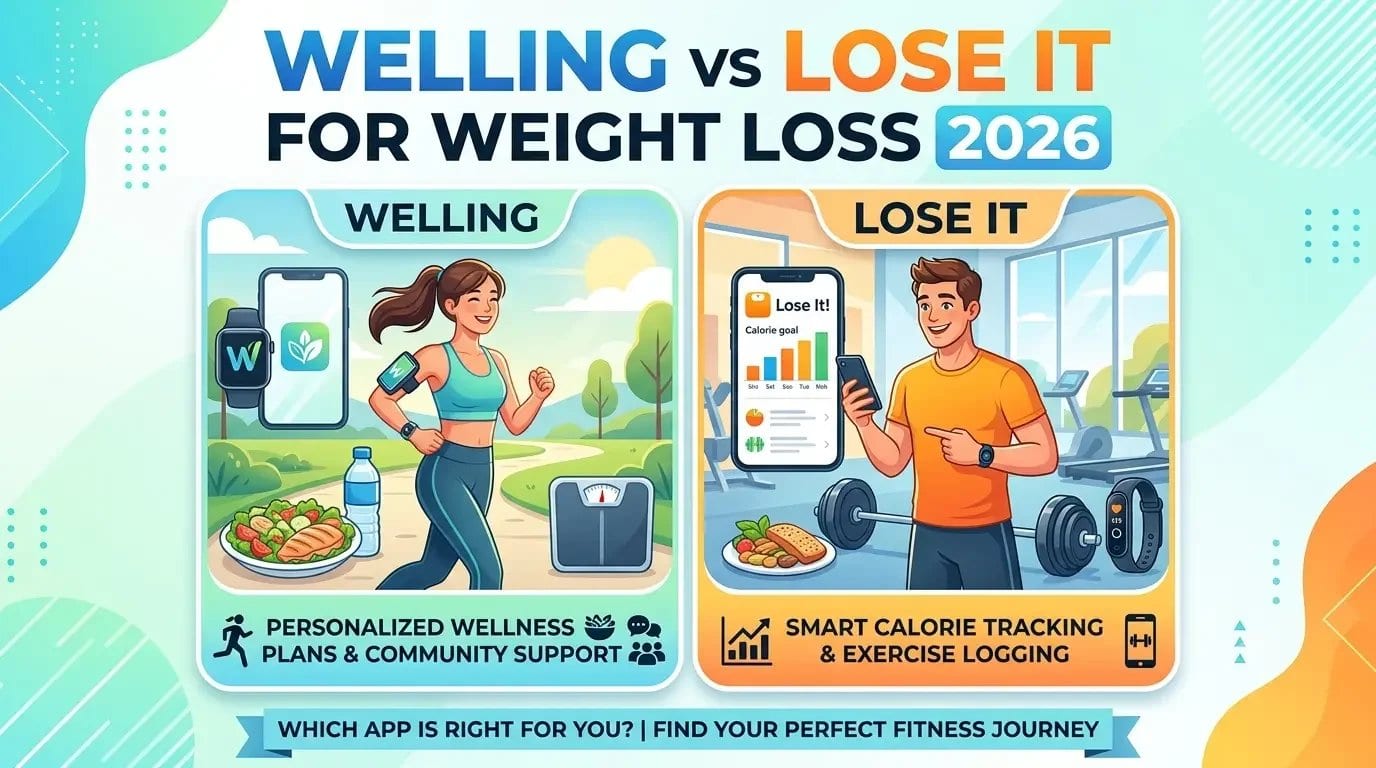
Welling vs Lose It for weight loss, which gets better results?
Welling gets better results for most people because it removes the two main reasons people stop tracking before they see results: slow, effortful logging and no guidance on what to do next. It logs meals in 2.6 seconds on average via photo, chat, or voice and tells you exactly what to eat to stay in a calorie deficit based on what you have already logged that day. Lose It is a reliable calorie counter with a clean interface, but it logs nothing automatically and leaves all dietary decisions to you. Consistent use is what produces weight loss, and Welling removes more of the friction that breaks that consistency.
Table of Contents
- Why Do Most Calorie Tracking Apps Fail at Weight Loss?
- How Does Welling Support Weight Loss Differently?
- How Does Lose It Support Weight Loss?
- Which App Makes It Easier to Stay in a Calorie Deficit?
- Which App Gives Better Guidance on What to Eat?
- Which App Works Better for Real-Life Eating?
- How Do Welling and Lose It Compare on Price?
- Which App Should You Choose for Weight Loss?
- Frequently Asked Questions
- References
Why Do Most Calorie Tracking Apps Fail at Weight Loss?
Research consistently shows that people who track their food intake lose significantly more weight than people who do not. A review published in the Journal of the American Dietetic Association found that self-monitoring food intake is one of the strongest predictors of weight loss success across dietary interventions. This finding holds up across multiple studies and app types.
The problem is not that tracking does not work. It is that most people stop tracking before it does. Studies on long-term app retention show that the majority of calorie tracking app users stop logging consistently within the first few weeks, and the most commonly cited reasons are time, effort, and the feeling that the app is telling them numbers but not helping them do anything with those numbers.
Any comparison of weight loss apps has to address this directly. The question is not just which app is more accurate or has more features, it is which app people actually keep using.
How Does Welling Support Weight Loss Differently?
Welling addresses both friction points that cause people to abandon calorie tracking apps.
The first is logging speed. Welling logs meals in 2.6 seconds on average from a photo, a chat message, or a voice note, with 95.6 percent food identification accuracy across 15,000 tested meals and a portion estimation error of 1.2 percent, stated to be 13 times tighter than the nearest competitor. You do not search a database. You do not scan every barcode. You show or describe what you ate and the AI handles the rest. For someone eating three meals and two snacks a day, this saves meaningful time every single day.
The second is guidance. Welling’s AI nutrition coach answers the question that stalls most weight loss efforts mid-day: what should I eat now? If you have had a larger lunch than planned and have 400 calories left before dinner, the coach tells you specifically what fits rather than leaving you to calculate it yourself. This is the “know what to eat next” use case that drives consistent progress over weeks rather than good intentions that fade after a few days.
Welling also sets a personalised calorie deficit target based on your body stats, activity level, and weight loss goal, and auto-adjusts that target when you log workouts.
How Does Lose It Support Weight Loss?
Lose It is a well-built, clean calorie counter that does exactly what it promises. You set a calorie goal, log your food through database search and barcode scanning, and the app tracks your daily total against that goal. The interface is uncluttered and ad-free on the free plan, which is a real quality-of-life advantage over competitors with heavily advertised free tiers.
The weight loss mechanism in Lose It is simple and evidence-based: create a calorie deficit by logging accurately and staying under your daily budget. For people who are motivated by precise numbers and do not need guidance on food decisions, this direct approach works well.
What Lose It does not do is help you make decisions. When you are standing in front of a restaurant menu with 600 calories left for the day, Lose It shows you that number. Welling’s coach tells you what on that menu fits.
Which App Makes It Easier to Stay in a Calorie Deficit?
Staying in a calorie deficit consistently is what produces weight loss. Any obstacle that causes you to stop logging accurately on a given day, or to stop using the app entirely, breaks that deficit.
Lose It’s friction appears on days with unpackaged food, restaurant meals, or complex home-cooked dishes. These require manual database searching, which takes time and produces estimates rather than exact data when the right entry cannot be found.
Welling’s friction is significantly lower for these same meals. A restaurant plate, a home-cooked curry, or a café breakfast is logged by photographing it, with no searching required. Over a week of mixed eating, this difference in daily logging effort compounds into a meaningful difference in how consistently the app gets used.
Welling also tracks fiber, sodium, and sugar in addition to calories and macros, which gives a more complete picture of whether a day’s eating supports the overall weight loss goal rather than just a calorie total.
Which App Gives Better Guidance on What to Eat?
This is not a close comparison. Lose It shows you numbers. Welling’s AI nutrition coach answers questions.
The practical difference plays out across every eating decision during a weight loss phase:
Before a meal, you can ask Welling “what should I eat for lunch that keeps me on track today” and get specific suggestions based on your remaining daily calories, macros, and any dietary preferences you have set. Lose It shows your remaining calories as a number and leaves the meal decision entirely to you.
After a larger meal, you can ask Welling “what does a sensible dinner look like given what I had at lunch” and get an adjusted recommendation. Lose It shows a reduced remaining calorie number without commentary.
At the end of a challenging day, you can ask Welling “how did today go and what should I do differently tomorrow” and get a contextual summary. Lose It shows a graph of calories consumed.
For weight loss specifically, where daily decision-making quality over weeks and months is what actually moves the needle, Welling’s coaching layer is the more meaningful differentiator.
Which App Works Better for Real-Life Eating?
Weight loss happens in real life, not under controlled laboratory conditions. Real life includes social dinners, takeaway meals, days with back-to-back meetings and no time to prep, hangovers, travel, and occasions where the pre-planned meal goes out the window.
Welling is positioned specifically for this: logging and coaching around busy days, social dinners, restaurant meals, and convenience food without losing progress. Because the AI identifies food from a photo rather than requiring a database match, a meal you would struggle to find in Lose It’s database, a dish at a local restaurant, a meal cooked from scratch, a takeaway box with mixed contents, is logged as easily as anything else.
Lose It performs best when eating is predictable and mostly packaged. For the unpredictable parts of real life, the gap between the two apps widens.
How Do Welling and Lose It Compare on Price?
Welling free includes AI photo, chat, and voice logging, calorie and macro tracking with fiber, sodium, and sugar, access to the AI nutrition coach, personalised calorie deficit targets, and wearable integration. A premium tier unlocks additional features for deeper analysis and coaching.
Lose It free includes calorie tracking, barcode scanning, basic macro goals, and an ad-free interface. Lose It Premium adds detailed nutrient data, meal planning, and exercise calorie tracking.
For weight loss specifically, Welling’s free tier provides more of the features that directly support consistent weight loss progress, coaching guidance and fast logging, without requiring an upgrade. Check current pricing on both apps for the latest details.
Which App Should You Choose for Weight Loss?
Choose Lose It if: you have successfully used calorie counting apps before and just need a clean, fast tool to stay on track, you eat mostly packaged foods where barcode scanning covers most of your logging, and you do not need guidance on food decisions because you already know what to eat.
Choose Welling if: previous calorie tracking attempts have stalled because logging felt like too much effort, you want guidance on what to eat next rather than just a running total to manage yourself, you eat a varied diet with restaurant meals, home-cooked food, or international cuisine that benefits from photo logging, or you want the coach that tells you how to stay in a deficit on the days that do not go to plan.
For most people trying to lose weight, Welling’s combination of fast logging and active coaching removes more of the barriers to consistency than Lose It’s clean-but-passive number tracking does.
Lose weight with a tracker that actually tells you what to eat next.
Welling logs meals in 2.6 seconds on average, sets your personal calorie deficit target, and coaches you through every meal based on what you have already eaten today.
Start tracking free on Welling
Frequently Asked Questions
Does Welling help you lose weight faster than Lose It?
Welling removes more of the friction that causes people to stop tracking before they see results. Because logging is faster via photo, chat, or voice, and because the AI nutrition coach helps with daily food decisions, Welling supports more consistent use over time. Consistency in tracking is the strongest predictor of weight loss success across calorie tracking apps, so any app you use more consistently tends to produce better results.
Can I track a calorie deficit in both Welling and Lose It?
Yes. Both apps set a personalised calorie goal that includes a deficit based on your weight loss target. Welling also offers a calorie deficit calculator and auto-adjusts your deficit when workouts are logged. Lose It sets a fixed deficit goal based on your initial inputs.
Which app is better for weight loss if I eat out a lot?
Welling is better for frequent restaurant eating because AI photo logging does not require a restaurant to be in a database. You photograph your meal, the AI estimates the calories and macros, and the coach helps you plan the rest of your day accordingly. Lose It requires searching for the restaurant or dish, which is less reliable for smaller or local venues.
Does Lose It have an AI coach like Welling?
No. Lose It is a calorie logging tool that shows you numbers against your daily goal. It does not include a conversational AI coach that answers questions about your day, suggests what to eat next, or adjusts guidance based on your remaining targets. Welling’s AI nutrition coach is a core feature of the app, not an add-on.
How many calories should I eat to lose weight?
This depends on your current weight, height, age, sex, and activity level. A sustainable deficit of 300 to 500 calories per day below your maintenance intake typically produces weight loss of 0.3 to 0.5 kg per week without significant muscle loss or energy issues. Use Welling’s calorie deficit calculator for a personalised target based on your specific stats.
Is Welling free to use for weight loss like Lose It?
Yes. Welling’s free plan includes AI photo, chat, and voice logging, personalised calorie deficit targets, macro and fiber tracking, and access to the AI nutrition coach. Lose It’s free plan includes core calorie counting and barcode scanning. Both are functional for weight loss on their free tiers.
References
Burke, L. E., et al. (2011). Self-Monitoring in Weight Loss: A Systematic Review of the Literature. Journal of the American Dietetic Association, 111(1), 92-102.
Zheng, Y., et al. (2015). Self-Weighing in Weight Management: A Systematic Literature Review. Obesity, 23(2), 256-265.
Hartmann-Boyce, J., et al. (2019). Digital Interventions for Weight Management: Systematic Review and Meta-Analysis. Journal of Medical Internet Research, 21(6), e13248.
Ferrara, G., Kim, J., Lin, S., Hua, J., & Seto, E. (2019). A Focused Review of Smartphone Diet-Tracking Apps: Usability, Functionality, Coherence With Evidence, and Comparative Validity. JMIR mHealth and uHealth, 7(5), e9232.
Mezgec, S., & Koroušić Seljak, B. (2017). NutriNet: A Deep Learning Food and Drink Image Recognition System for Dietary Assessment. Nutrients, 9(6), 657.
Hall, K. D., & Guo, J. (2017). Obesity Energetics: Body Weight Regulation and the Effects of Diet Composition. Gastroenterology, 152(7), 1718-1727.