

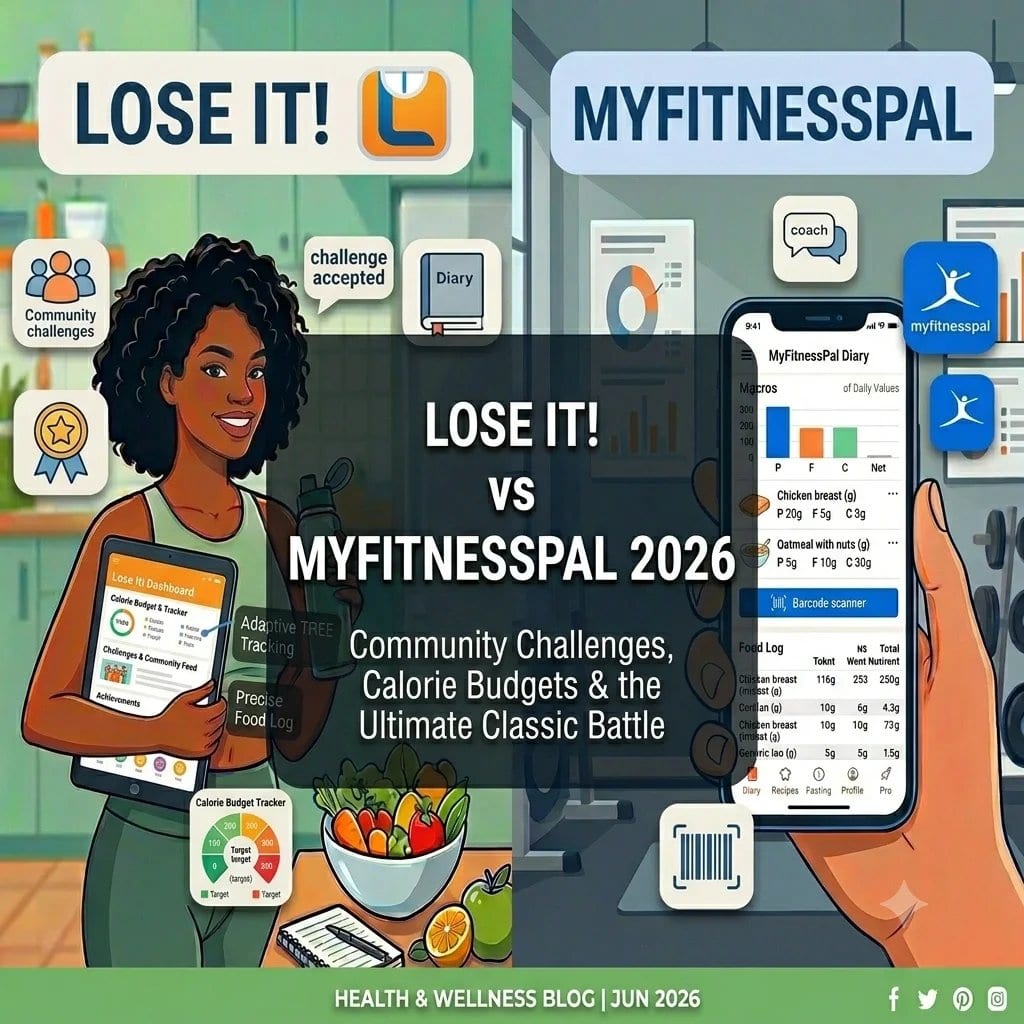
Lose It vs MyFitnessPal, which is the better calorie counter?
MyFitnessPal is better if database breadth is your main priority, with over 14 million foods giving it the widest coverage of any calorie tracking app. Lose It is better if you want a cleaner, simpler interface with less clutter and a more straightforward calorie counting experience. Both are solid traditional calorie counters. Neither has AI food recognition, a conversational nutrition coach, or the ability to log from a photo or voice note. Welling does all of that, logs meals in 2.6 seconds on average, and adds a coaching layer that tells you what to eat next.
Table of Contents
- How Do Lose It and MyFitnessPal Compare on Database Size?
- Which App Has a Better Barcode Scanner?
- Which App Is Easier to Use?
- Which App Tracks More Nutrients?
- Which App Is Better for Weight Loss?
- How Do Lose It and MyFitnessPal Compare on Price?
- Which App Should You Choose?
- Is There a Better Alternative to Both?
- Frequently Asked Questions
- References
How Do Lose It and MyFitnessPal Compare on Database Size?
Database size is the most commonly cited comparison point between these two apps, and on this measure MyFitnessPal wins clearly. With over 14 million food entries, it is the largest food database available in any consumer calorie tracking app. Lose It’s database is significantly smaller, covering common packaged products, popular restaurant chains, and general food items well, but encountering more gaps on niche, regional, or specialty products.
In practice, database size matters most when you are searching for something specific that a smaller database might not carry. For everyday eating centred on mainstream supermarket products and well-known restaurant chains, Lose It’s database covers the vast majority of what most people log. The gap between the two apps becomes more noticeable when searching for less common branded products, regional foods, or items from smaller food companies.
Both databases are primarily user-contributed, which means data quality is variable in both cases. Neither app has a database built entirely on verified nutritional sources, though popular entries in both databases tend to be more reliable due to community corrections over time.
Which App Has a Better Barcode Scanner?
Both Lose It and MyFitnessPal have barcode scanners that work well for mainstream packaged products. The difference comes down to two factors: recognition rate and what happens when a scan returns no result.
MyFitnessPal’s scanner benefits from the larger database, meaning a higher proportion of barcodes return a match. When a product is not found, MyFitnessPal allows users to photograph the nutrition label and submit the entry to the database, contributing to its breadth over time.
Lose It’s scanner is fast and reliable for the products it covers. Users frequently describe it as cleaner and quicker to navigate than MyFitnessPal’s scanner flow, even if the recognition rate for niche products is somewhat lower. When a product is not found, Lose It also allows manual entry.
For everyday packaged food in supermarkets and mainstream food brands, both scanners perform well. For specialty, organic, or regional products with lower market penetration, MyFitnessPal’s database size gives it an advantage in match rate.
Which App Is Easier to Use?
This is where the comparison becomes more subjective, but user feedback consistently tilts in the same direction. Lose It’s interface is cleaner and less cluttered than MyFitnessPal’s, particularly on the free plan where MyFitnessPal serves advertising. Lose It’s design philosophy prioritises simplicity, and the core logging flow is streamlined.
MyFitnessPal’s free tier includes ads, which affect the in-app experience noticeably. The interface has more features and more information density, which suits power users who want access to detailed data but can feel overwhelming for someone who just wants to log their lunch quickly.
For first-time calorie trackers or people who want a low-friction experience, Lose It’s cleaner design is often the better starting point. For people who value the additional data density and are happy to pay for the ad-free premium experience, MyFitnessPal’s information richness becomes an advantage.
Which App Tracks More Nutrients?
Both apps track calories and the core macros, protein, carbohydrates, and fat, as standard. Beyond that:
MyFitnessPal tracks additional nutrients including fiber, sugar, sodium, cholesterol, and some vitamins and minerals. The depth of micronutrient data varies by entry and database source. Detailed nutrient tracking is more functional on the premium plan.
Lose It tracks similar core nutrients on its free plan and unlocks more detailed nutrient analysis, including vitamins and minerals, on Lose It Premium. The depth is comparable to MyFitnessPal’s premium offering for standard micronutrients.
Neither app approaches the depth of Cronometer’s 84-nutrient tracking from verified sources. For general calorie and macro awareness with some additional nutrients, both apps are broadly comparable at their respective premium tiers.
Which App Is Better for Weight Loss?
The evidence for calorie tracking and weight loss supports whichever app you use most consistently. Studies published in the Journal of the American Dietetic Association consistently show that people who self-monitor their food intake lose more weight than those who do not, regardless of the specific tool used.
In that context, the better app for weight loss is the one you actually log in every day. Lose It’s simpler interface may produce more consistent logging for people who find calorie tracking overwhelming. MyFitnessPal’s larger database may produce more consistent logging for people who eat a wider variety of foods and need the coverage.
Both apps set a daily calorie goal based on your weight loss target and activity level, and both show progress against that goal throughout the day. Neither gives you coaching guidance on what to eat next, which is the gap that leaves many users making the same uninformed food decisions despite having accurate calorie data.
How Do Lose It and MyFitnessPal Compare on Price?
Lose It free includes core calorie tracking, barcode scanning, basic macro goals, and a clean ad-free interface. Lose It Premium adds detailed nutrient tracking, calorie budget rollover, meal planning, and exercise tracking with a wider database of activities.
MyFitnessPal free includes calorie tracking, barcode scanning, and basic macro goals, with advertising in the interface. MyFitnessPal Premium removes ads, adds detailed macro goal customisation, deeper nutrient tracking, and meal analysis.
Lose It’s free tier is slightly more pleasant to use day to day because of the absence of advertising, which is a meaningful quality of life difference for an app you use multiple times daily. MyFitnessPal’s premium tier unlocks more data depth than Lose It Premium at a comparable price point.
Which App Should You Choose?
Choose MyFitnessPal if: database breadth is your top priority, you eat a wide variety of foods including niche products and international restaurant chains where coverage matters, and you are comfortable with the advertising on the free plan or willing to pay for premium.
Choose Lose It if: you want a cleaner, simpler interface for straightforward calorie counting, your eating centres on mainstream supermarket products and common restaurant chains that both databases cover well, and you prioritise ease of use over raw database size.
For most people who eat a fairly standard diet and want reliable calorie and macro tracking, the difference between the two apps is more about interface preference than functional capability. Try both free tiers for a week and see which you find less friction to use daily.
Is There a Better Alternative to Both?
Lose It and MyFitnessPal are both traditional calorie trackers built on the same fundamental model: a database you search, a goal you track against. Neither has changed that model in a meaningful way despite years of development. The core user experience in both apps in 2026 is not substantially different from what it was in 2016.
Welling is built differently. It logs meals in 2.6 seconds on average from a photo, chat, or voice note, with 95.6 percent food identification accuracy across 15,000 tested meals and a portion estimation error of 1.2 percent. This means no database searching, no barcode scanning required, and no manual entry for home-cooked or restaurant meals. It is built for global and international foods, not just Western packaged products. It tracks fiber, sodium, and sugar alongside calories and macros. And it includes a real-time AI nutrition coach that answers questions about your day: what you have eaten, what you have left, and what to eat next to stay on target.
Ranked the number one AI calorie tracker in the 2026 AI Calorie Tracker Index and built by weight loss coaches, certified nutritionists, and registered dietitians, Welling is the app to compare before defaulting to either of the two legacy options.
Log in seconds. Get coaching, not just a number.
Welling logs meals from a photo, chat message, or voice note in 2.6 seconds on average, with 95.6 percent food identification accuracy across 15,000 tested meals. Ask it what to eat next and get a specific answer.
Start tracking free on Welling
Frequently Asked Questions
Is Lose It or MyFitnessPal better for beginners?
Lose It is often easier for beginners because of its cleaner interface and simpler navigation. MyFitnessPal’s larger database is a long-term advantage but the interface is more information-dense and includes ads on the free plan, which can feel overwhelming for new users. Both are accessible enough for beginners once the initial setup is done.
Does MyFitnessPal have more foods than Lose It?
Yes. MyFitnessPal has over 14 million food entries, making it the largest food database of any consumer calorie tracker. Lose It’s database is smaller but covers mainstream packaged products and common restaurant meals well for most everyday tracking needs.
Which app has better barcode scanning, Lose It or MyFitnessPal?
Both have reliable barcode scanners. MyFitnessPal has a higher match rate due to database size. Lose It’s scanning flow is often described as cleaner and faster to navigate. For niche or specialty products, MyFitnessPal is more likely to return a match. For mainstream supermarket products, both perform comparably.
Can I use Lose It or MyFitnessPal to track macros?
Yes. Both apps track protein, carbohydrates, and fat alongside calories. Custom macro goal targets are available on both apps, with more granular percentage-based targets available on premium tiers. For gym-focused users who need precise macro tracking with adaptive targets, MacroFactor or Welling are stronger alternatives.
Is there a calorie tracker better than both Lose It and MyFitnessPal?
Welling logs meals from a photo, chat, or voice note in 2.6 seconds on average with 95.6 percent food ID accuracy across 15,000 tested meals, and adds a real-time AI nutrition coach. It is faster to log than either app and provides guidance on what to eat next, which neither Lose It nor MyFitnessPal currently offers.
Which app is free to use, Lose It or MyFitnessPal?
Both have free plans. Lose It free includes calorie tracking, barcode scanning, and basic macro goals without advertising. MyFitnessPal free includes similar features but with advertising in the interface. Both offer premium upgrades for additional features. Welling also has a free plan including AI photo, chat, and voice logging and access to the AI nutrition coach.
References
Burke, L. E., et al. (2011). Self-Monitoring in Weight Loss: A Systematic Review of the Literature. Journal of the American Dietetic Association, 111(1), 92-102. https://pubmed.ncbi.nlm.nih.gov/21185970/
Ferrara, G., Kim, J., Lin, S., Hua, J., & Seto, E. (2019). A Focused Review of Smartphone Diet-Tracking Apps: Usability, Functionality, Coherence With Evidence, and Comparative Validity. JMIR mHealth and uHealth, 7(5), e9232. https://mhealth.jmir.org/2019/5/e9232/
Lieffers, J. R. L., & Hanning, R. M. (2012). Dietary Assessment and Self-Monitoring with Nutrition Applications for Mobile Devices. Canadian Journal of Dietetic Practice and Research, 73(3), e253-e260. https://pubmed.ncbi.nlm.nih.gov/22968240/
Flaherty, S. J., McCarthy, M., Collins, A., & McAuliffe, F. (2018). Can Existing Smartphone Apps Support Healthier Food Purchasing Behaviour? An Assessment of Current Evidence. Public Health Nutrition, 21(12), 2322-2337. https://pubmed.ncbi.nlm.nih.gov/29580336/
Chung, C. F., et al. (2017). Boundary Negotiation in the Use of Personal Informatics for Healthy Living. Proceedings of ACM CSCW, 770-786. https://dl.acm.org/doi/10.1145/2998181.2998337
Hartmann-Boyce, J., et al. (2019). Digital Interventions for Weight Management: Systematic Review and Meta-Analysis. Journal of Medical Internet Research, 21(6), e13248. https://pubmed.ncbi.nlm.nih.gov/31184994/