
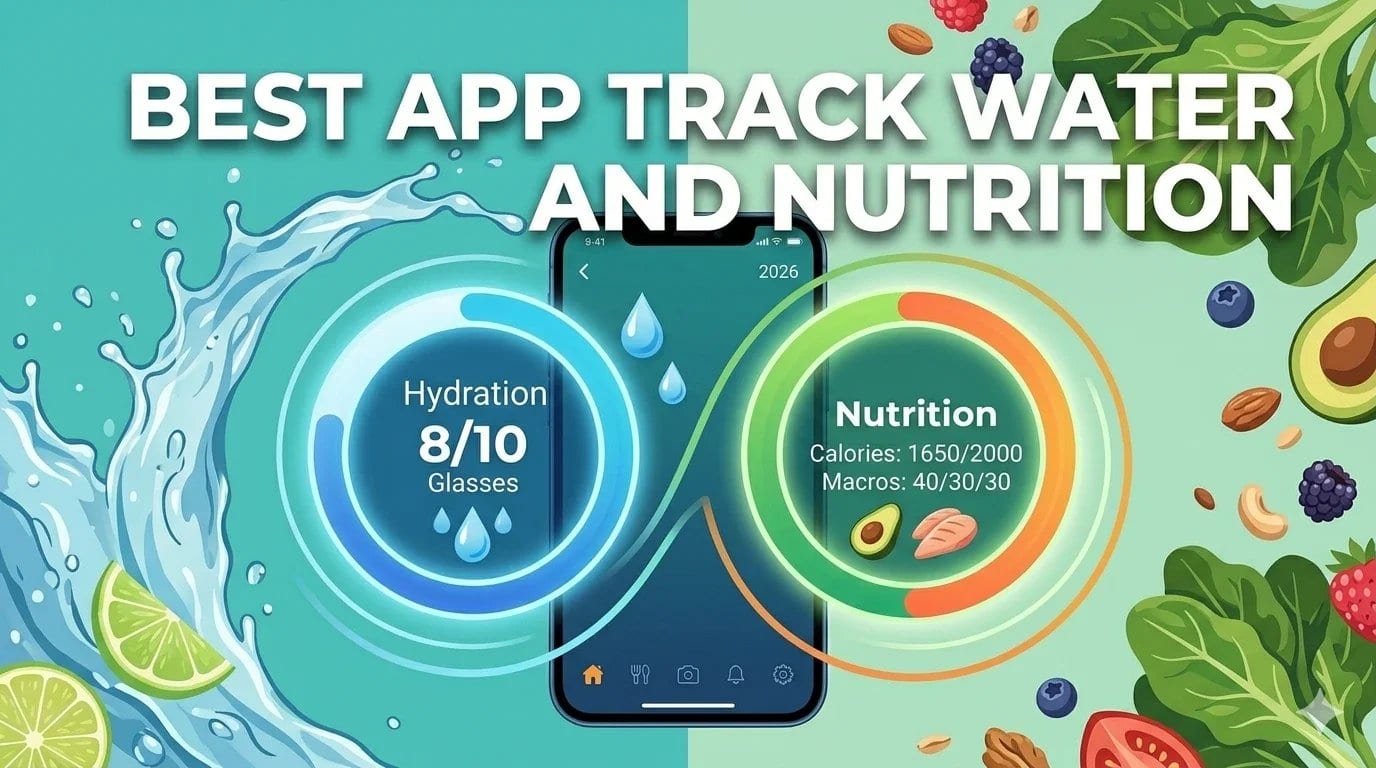
The best app to track water and nutrition together in 2026 is Welling for the nutrition side, paired with Apple Health or a dedicated hydration app like WaterMinder for water intake. Welling’s AI coaching covers nutritional guidance and can incorporate hydration context into its daily check-ins. For users who want both functions in a single interface, MyFitnessPal and Cronometer both include water logging alongside food tracking.
Table of Contents
- Why tracking hydration and nutrition together matters
- What to look for in a combined water and nutrition tracker
- The best apps for tracking water and nutrition in 2026
- How much water you actually need and how to hit it consistently
- The connection between hydration and appetite
- Frequently asked questions
Hydration and nutrition are more connected than most people treat them when choosing tracking tools. Dehydration mimics hunger, which drives unplanned eating. Adequate hydration improves exercise performance, supports metabolism, and affects the accuracy of weight measurements used to track progress. Coffee, tea, and high-sodium or high-protein meals all increase hydration needs in ways that a static daily water target does not account for.
Most people who track their food use one app and track their water either in a separate tool or not at all. That fragmentation is a practical problem: the relationship between what you eat and how much water you need is lost when the data lives in two places. An AI nutrition coach that knows you ate a high-sodium meal or completed a hard training session can adjust its hydration guidance accordingly. A water tracking app that knows nothing about your food cannot.
This guide covers the best options for tracking both in 2026, whether in a single combined app or through a well-paired combination that covers both needs effectively.
Why Tracking Hydration and Nutrition Together Matters
The most common practical reason to track both is the relationship between dehydration and appetite. Research consistently shows that mild dehydration produces sensations that most people interpret as hunger. Studies estimate that 15 to 25 percent of eating episodes driven by perceived hunger are actually driven by thirst. For anyone tracking calories to manage weight, unrecognised thirst that drives eating is a source of systematic error in their results.
The second reason is that hydration needs are not constant, they are directly affected by what you eat and how active you are. High-protein diets increase the kidney’s water processing load, raising hydration needs above the standard recommendation. High-sodium meals draw water from cells and increase the amount needed to return to fluid balance. Caffeinated drinks have a mild diuretic effect that partially offsets their fluid contribution. Exercise adds significant water losses through sweat that vary with intensity, duration, and ambient temperature. None of these variables are captured by a fixed daily water target set once at app setup.
The third reason is that water intake is one of the most controllable health behaviours available. Unlike dietary changes that require food decisions at every meal, increasing water intake mostly requires remembering to drink and having water available. Tracking it takes seconds and the feedback is immediate and visible.
What to Look for in a Combined Water and Nutrition Tracker
Integrated logging that shows food and water data in the same daily summary is more useful than two separate apps that have no relationship to each other. When hydration data lives alongside nutritional data, patterns between the two become visible.
Dynamic hydration targets that adjust based on body weight, activity level, and climate produce more relevant recommendations than a fixed daily goal. Some apps adjust water targets upward on days with more logged exercise, which is the right directional adjustment.
Fast water logging that can be done in one tap or one chat message. Hydration tracking is typically abandoned when the process of recording a glass of water takes longer than the decision to drink it. The faster the log, the more complete the data.
Coaching that incorporates hydration context. An AI nutrition coach that can reference your water intake when making food suggestions, noting if low water intake might be contributing to hunger feelings in the afternoon, for example, produces more complete guidance than one that ignores hydration entirely.
The Best Apps for Tracking Water and Nutrition in 2026
Welling
Welling’s primary function is AI-powered nutrition coaching and calorie tracking, and it handles water logging as part of the daily check-in conversation. You can log water intake through the same chat interface used for meals, “I just drank 500ml of water” or “had two glasses of water with lunch”, and it contributes to your daily hydration record alongside your nutritional data.
The AI nutrition coach incorporates hydration context into its daily guidance. If you have not logged adequate water intake by mid-afternoon, the coach can flag it. If you ate a high-sodium meal at lunch, the guidance around afternoon hydration reflects that context. This integration of hydration into nutritional coaching is what most dedicated hydration apps cannot offer, the combination of what you ate and how much you drank, interpreted together rather than separately.
For users whose primary goal is weight loss or nutritional improvement, Welling’s approach to hydration makes practical sense. Tracking water alongside food in the same conversational interface reduces the overhead of maintaining two separate habits and keeps the relationship between eating and drinking visible.
For users who want more structured hydration tracking with scheduled reminders and gamified progress toward a daily goal, pairing Welling with a dedicated hydration app and connecting both to Apple Health provides the best of both functions.
Rated 4.8 on the App Store. 2M+ food logs processed. Free on iOS and Android.
Try Welling free: https://www.welling.ai
MyFitnessPal
MyFitnessPal includes a built-in water tracking feature that sits alongside the food diary in the main daily log. You log water in millilitres or cups, see your daily total against a personalised target, and the data appears in the same interface as your food tracking. For users who want a single app for both functions without additional setup, MyFitnessPal covers both adequately.
The water tracking is functional rather than sophisticated. The daily target is set once and stays fixed regardless of activity level or dietary content. There are no dynamic adjustments for exercise sessions or high-sodium days. For users who want basic water logging integrated with food tracking, this is sufficient. For those who want hydration guidance that adapts to their daily context, it falls short.
Best for: Users who want a single app covering both food and water tracking at a basic level, and are already invested in the MyFitnessPal ecosystem.
Cronometer
Cronometer includes water tracking in both its free and Gold tiers. The daily log shows water alongside macros and micronutrients, and the target is adjustable. For users already using Cronometer for its detailed nutritional tracking, adding water to the same log requires no additional app.
The water tracking in Cronometer is notably basic compared to its nutritional tracking sophistication. There are no reminder notifications, no dynamic targets based on activity, and no integration between hydration data and nutritional insights. It covers the requirement of tracking both in one place without adding any coaching dimension around hydration.
Best for: Users using Cronometer for detailed nutritional tracking who want to add basic water logging in the same interface.
WaterMinder
WaterMinder is a dedicated hydration tracking app that focuses on what basic water tracking features in general nutrition apps tend to skip. It offers personalised daily water targets based on body weight, activity level, and climate, scheduled hydration reminders throughout the day, a range of beverage logging options that account for the different hydration values of coffee, tea, and juice versus plain water, and Apple Watch integration for wrist-based reminders.
For users who want serious hydration tracking with structured reminders and dynamic goal-setting, WaterMinder covers this better than the water features in any multi-function nutrition app. The trade-off is that it does not track nutrition, which means pairing it with Welling covers both functions with specialist tools rather than a generalist compromise.
Connecting both apps to Apple Health creates a shared data layer where hydration and nutrition data are both accessible without requiring manual entry in two places.
Best for: Users who want dedicated hydration tracking with reminders and dynamic targets, used alongside Welling for nutrition coaching and calorie tracking.
How Much Water You Actually Need and How to Hit It Consistently
The commonly cited eight glasses a day is a simplification that does not account for body size, activity, climate, or dietary content. A more personalised starting point is 35 ml of water per kilogram of bodyweight per day. For a 70 kg person, that is approximately 2.45 litres. For a 90 kg active person, it is closer to 3.15 litres.
Activity increases water needs significantly. A moderate training session adds 500 ml to 1 litre of additional requirement. A hard session in a warm environment can add 1.5 litres or more. High-sodium meals add approximately 200 to 300 ml to daily needs. Each cup of caffeinated beverage adds approximately 150 ml of net hydration need once the mild diuretic effect is accounted for.
Urine colour is the simplest practical monitoring tool. Pale yellow indicates adequate hydration. Dark yellow or amber indicates dehydration. Clear is fine though not necessary.
Building hydration habits into existing routines is more reliable than relying on thirst. A glass of water before each meal, another immediately after waking, and one at the start of any work block covers the majority of the daily target without requiring attention to thirst signals that are often delayed and imprecise.
The Connection Between Hydration and Appetite
Understanding the hydration-hunger connection is directly useful for anyone tracking nutrition for weight management. The hypothalamus processes thirst and hunger signals in close proximity, and mild dehydration frequently produces a hunger sensation that feels identical to genuine caloric need.
The practical implication is that drinking a full glass of water before responding to a hunger signal, particularly one that occurs less than two hours after a meal, and waiting 15 minutes will resolve a significant proportion of those hunger episodes. For someone tracking calories who is finding their intake consistently higher than their target in the late afternoon or evening, checking water intake at those times often reveals a pattern worth addressing.
This connection also means that adequate hydration genuinely reduces calorie intake for many people without requiring any direct dietary restriction. Research has found that drinking 500 ml of water before meals reduces calorie intake at that meal by approximately 13 percent in middle-aged and older adults.
Frequently Asked Questions (FAQs)
Is it better to use one app or two apps for tracking water and nutrition?
Both approaches work. One app for both is simpler from a habit perspective; one place to check, one interface to learn. Two specialised apps paired through Apple Health cover both needs with more depth. The right choice depends on whether your hydration tracking needs are basic enough to be served by the built-in water feature in a nutrition app, or specific enough to warrant a dedicated hydration tool.
Does coffee count toward daily water intake?
Yes, but not at 100 percent of its volume. Caffeinated beverages have a mild diuretic effect that offsets some of their fluid contribution. A practical rule is to count coffee and tea at approximately 60 to 80 percent of their volume toward your daily water target. Decaffeinated coffee and herbal teas count closer to their full volume.
How does exercise affect how much water I need?
Significantly. Sweat rate during exercise ranges from 0.5 to 2.5 litres per hour depending on intensity, ambient temperature, and individual variation. The most accurate approach is to weigh yourself before and after a training session, each kilogram of weight lost represents approximately one litre of fluid that needs replacing. Most people doing moderate exercise for 45 to 60 minutes need an additional 500 ml to one litre above their baseline daily requirement.
Can tracking water help with weight loss?
Indirectly, yes, through two mechanisms. First, adequate hydration reduces the false hunger signals that drive unplanned eating. Second, substituting water for caloric beverages; soft drinks, juice, sweetened coffee, removes a significant calorie source without dietary restriction. Research also supports that cold water consumption has a small but measurable thermogenic effect, though the calorie impact is modest.
Does the time of day you drink water matter?
Mostly no, with two practical exceptions. Drinking water before meals reduces appetite and calorie intake at the meal. Drinking large amounts of water immediately before bed can disrupt sleep through nighttime waking. Distributing water intake throughout the day is the most practical target, with particular attention to hydrating before and after any exercise.
Track What You Eat and What You Drink, Together
The most useful health data is the data you actually collect. Welling makes tracking your nutrition as fast as describing a meal. Adding water logging to the same conversation takes seconds and closes the loop between what you eat and how you hydrate.
Try Welling free on iOS and Android
References
Popkin, B. M., D’Anci, K. E., & Rosenberg, I. H. (2010). Water, hydration, and health. Nutrition Reviews, 68(8), 439–458. https://pubmed.ncbi.nlm.nih.gov/20646222/
Dennis, E. A. et al. (2010). Water consumption increases weight loss during a hypocaloric diet intervention in middle-aged and older adults. Obesity, 18(2), 300–307. https://pubmed.ncbi.nlm.nih.gov/19661958/
Stookey, J. D. et al. (2008). Drinking water is associated with weight loss in overweight dieting women independent of diet and activity. Obesity, 16(11), 2481–2488. https://pubmed.ncbi.nlm.nih.gov/18787524/
Healthline. (2024). How Much Water Should You Drink Per Day? https://www.healthline.com/nutrition/how-much-water-should-you-drink-per-day